Doc911
New Member
- First Name
- FRederic
- Joined
- Jan 2, 2022
- Threads
- 1
- Messages
- 1
- Reaction score
- 0
- Location
- Montreal, Quebec, Canada
- Vehicles
- Taycan 4S 2020

- Thread starter
- #1
Good day,
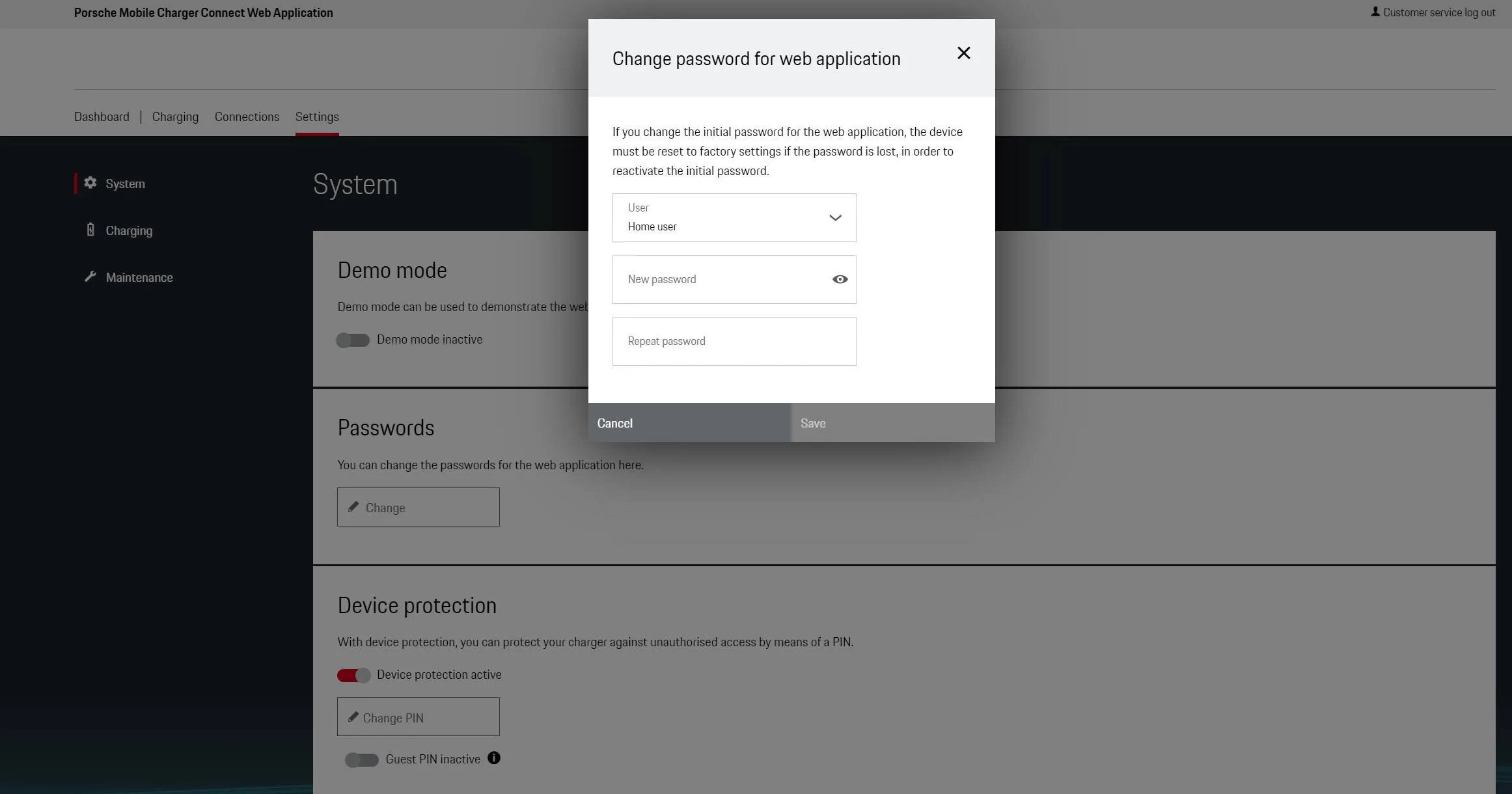
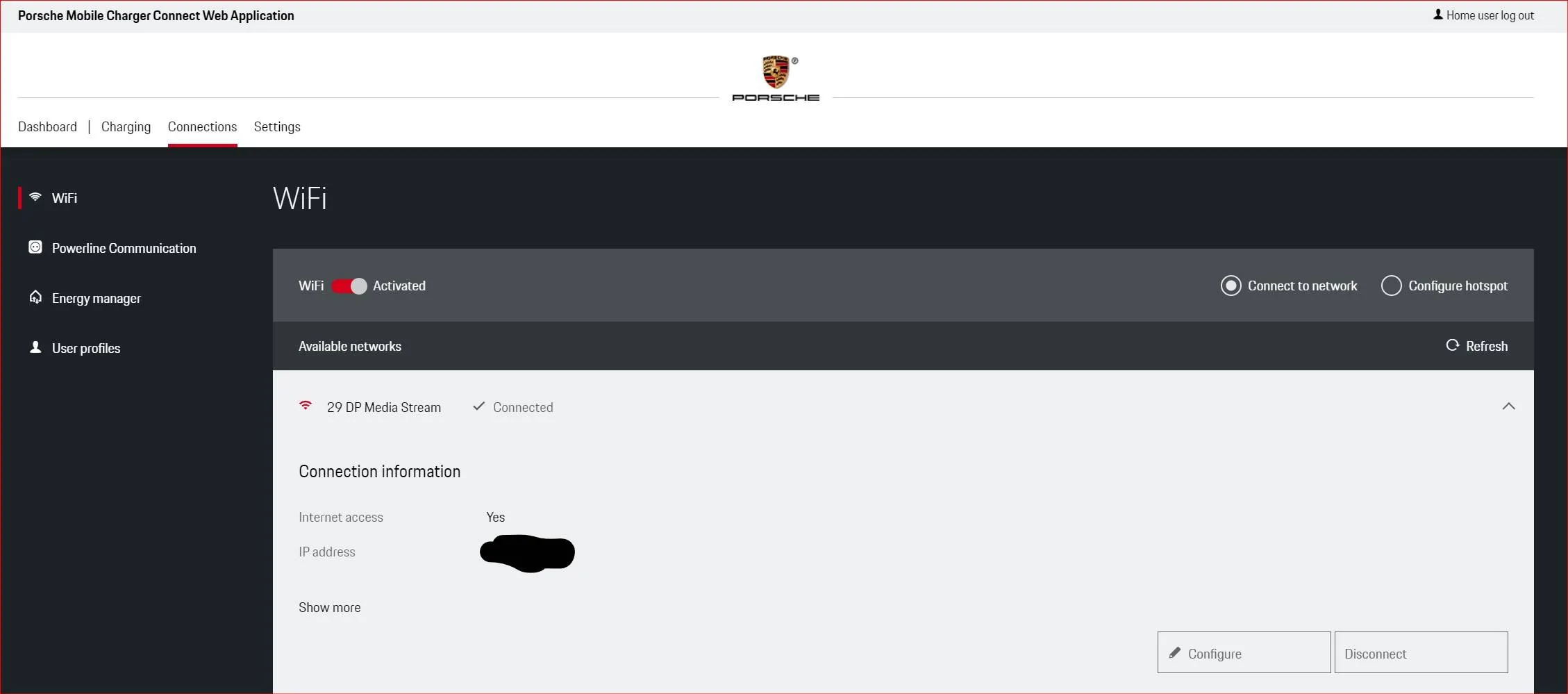
Apologies, I have searched the manual, searched the web, searched this forum why I have lurked for some time ... I simply cannot find the answer to the following. I updated/changed my password on my home network, and now, the PMCC just keeps saying it is failing to connect without giving me the option to enter a new password. It fails repeatedly, no screen or option to change the password. I have tried everything, I connected to a hotspot on my phone to see if I could delete the previous "saved" information for the home network in order to re-enter my home network as new … still a failure as tapping on the home network name just causes it to want to connect. I have tried entering my home network as a "hidden network," also fails. In further attempts to somehow access a way to change the saved password on the charger I have double taped the network name, tapped on the lock icon, tapped on the right arrow, tapped and held for 3 seconds, 5 second, 10 seconds … there seems to be no way for me to update the password on the charger.
How do I change the password on a saved WiFi network on the PMCC ? A factory reset every time I change my home network password seems like a broken solution if that is all there is, and asking me to change my network name every time I change the password is simply not possible with the amount of connected devices I own.
Am I missing something ?
Many thanks,
-F-
Apologies, I have searched the manual, searched the web, searched this forum why I have lurked for some time ... I simply cannot find the answer to the following. I updated/changed my password on my home network, and now, the PMCC just keeps saying it is failing to connect without giving me the option to enter a new password. It fails repeatedly, no screen or option to change the password. I have tried everything, I connected to a hotspot on my phone to see if I could delete the previous "saved" information for the home network in order to re-enter my home network as new … still a failure as tapping on the home network name just causes it to want to connect. I have tried entering my home network as a "hidden network," also fails. In further attempts to somehow access a way to change the saved password on the charger I have double taped the network name, tapped on the lock icon, tapped on the right arrow, tapped and held for 3 seconds, 5 second, 10 seconds … there seems to be no way for me to update the password on the charger.
How do I change the password on a saved WiFi network on the PMCC ? A factory reset every time I change my home network password seems like a broken solution if that is all there is, and asking me to change my network name every time I change the password is simply not possible with the amount of connected devices I own.
Am I missing something ?
Many thanks,
-F-
Sponsored