satchurator
Well-Known Member
- Joined
- Mar 22, 2021
- Threads
- 45
- Messages
- 742
- Reaction score
- 714
- Location
- Massachussets, USA
- Vehicles
- MY22 CT4

- Thread starter
- #1
Hi folks,
I wish the Taycan steering wheel had an entire PlayStation controller's worth of programmable diamond buttons! Or that the center console control panel had more programmable utility instead of spending most of its time as an empty void.
I want to have next/previous track control, but don't want to sacrifice my existing diamond button settings. Nor do I want to be barking at Siri or Hey Porsche. I'm occasionally skipping music tracks, but more often jumping forward/back in podcasts. Since I use CarPlay most of the time, I'm looking at bluetooth accessories...
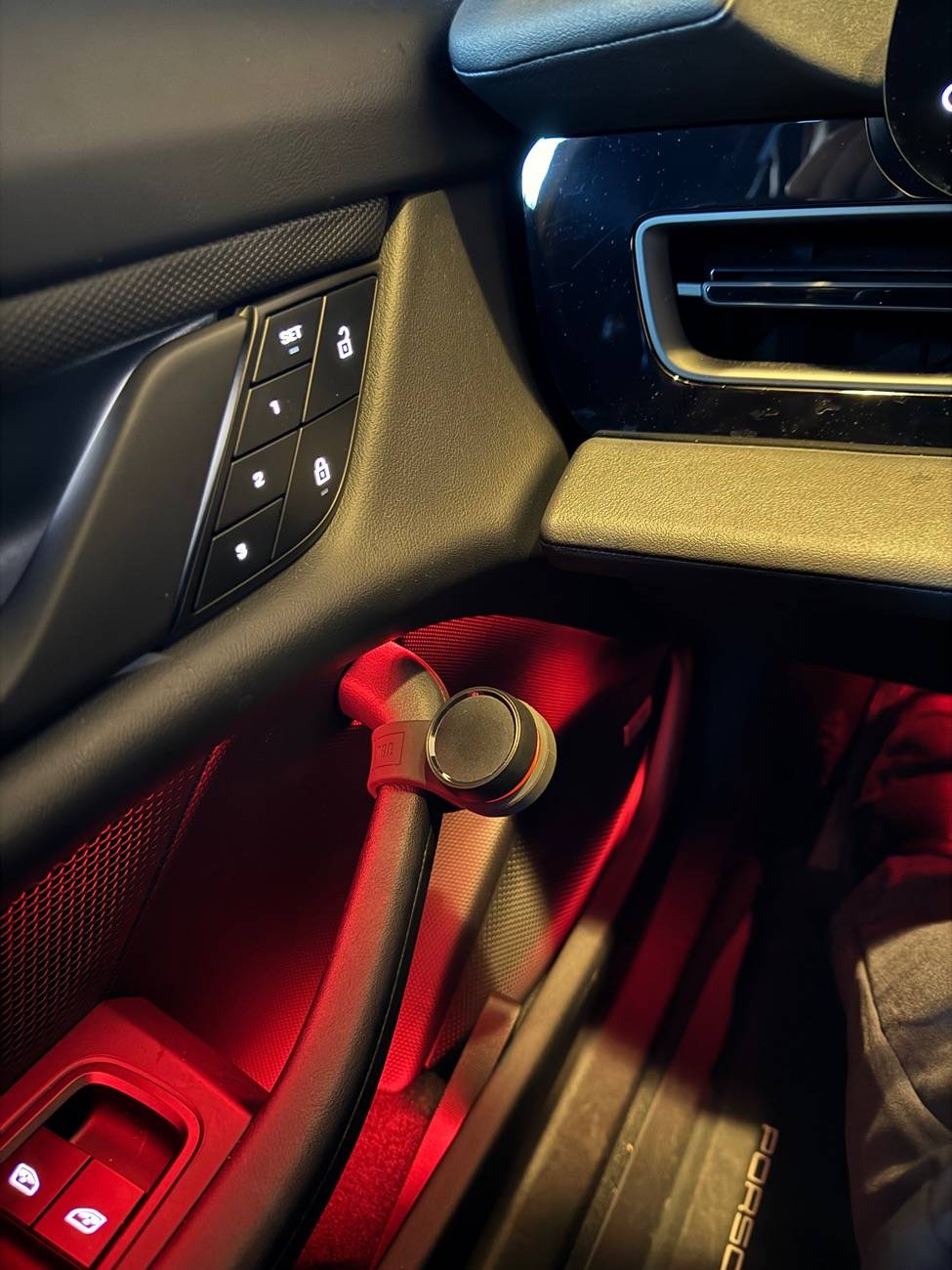
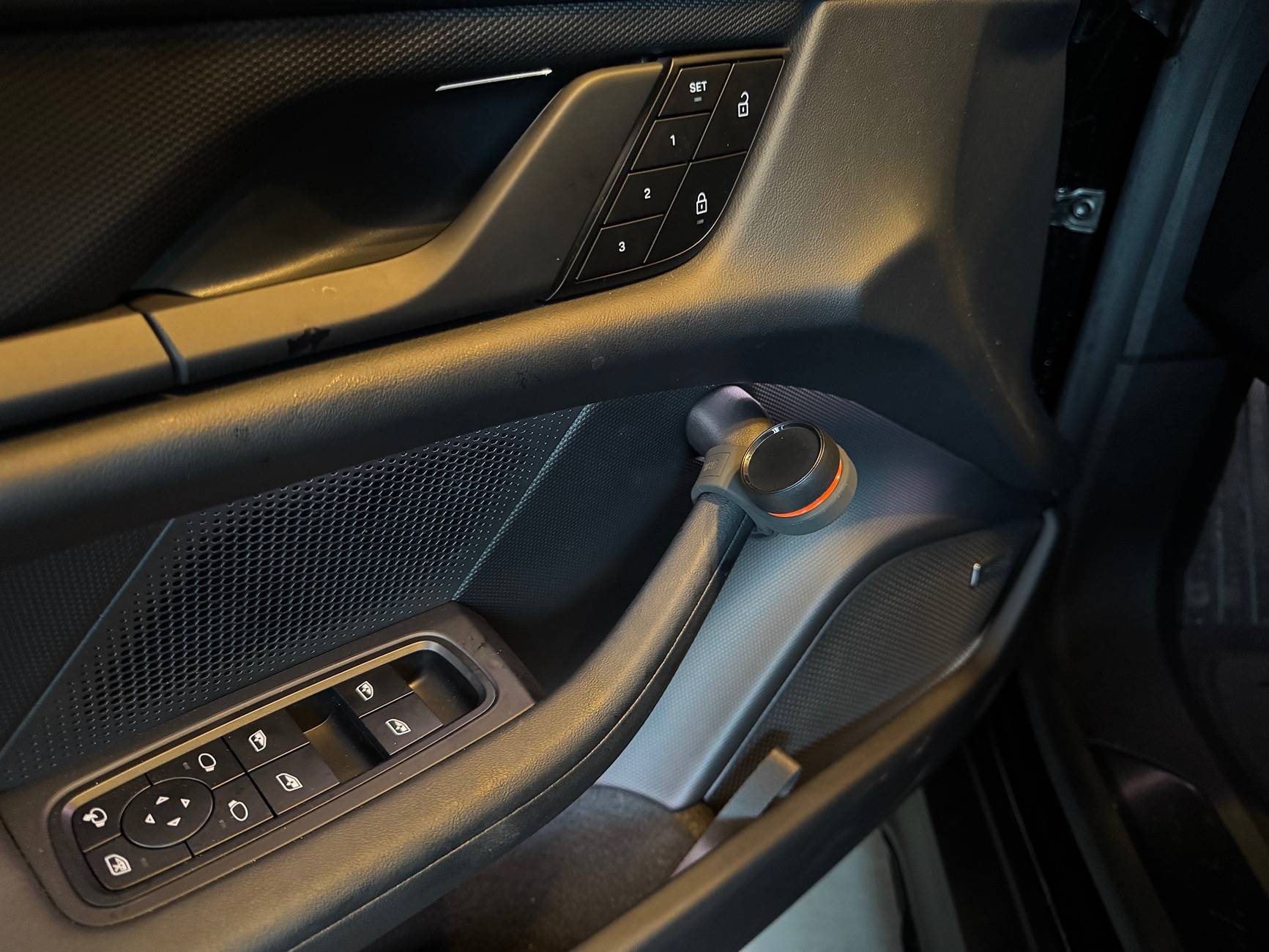
There are a lot of inexpensive no-name bluetooth controllers on Amazon that would cheapen the look of the dash/wheel. The JBL Click is a more refined product that attaches to the steering wheel. Has anybody used this, or know of another such product?
Cheers,
Satchurator
I wish the Taycan steering wheel had an entire PlayStation controller's worth of programmable diamond buttons! Or that the center console control panel had more programmable utility instead of spending most of its time as an empty void.
I want to have next/previous track control, but don't want to sacrifice my existing diamond button settings. Nor do I want to be barking at Siri or Hey Porsche. I'm occasionally skipping music tracks, but more often jumping forward/back in podcasts. Since I use CarPlay most of the time, I'm looking at bluetooth accessories...
There are a lot of inexpensive no-name bluetooth controllers on Amazon that would cheapen the look of the dash/wheel. The JBL Click is a more refined product that attaches to the steering wheel. Has anybody used this, or know of another such product?
Cheers,
Satchurator
Sponsored