

AMERCY
Well-Known Member
- First Name
- Christof
- Joined
- Oct 30, 2020
- Threads
- 7
- Messages
- 91
- Reaction score
- 106
- Location
- Germany, Stuttgart region
- Vehicles
- Macan '19 Crayon, (T 4S+ '21 (Black)), T Turbo MY '25 vulcanogreymetallic

- Thread starter
- #1
Have got to pick up someone at a location specified thru a WhatsApp Location share, like

i.e. not a specific address, but rather just the geo information.
On the mobile phone, from within WhatsApp, I "shared" this location with the "My Porsche" App - which gave me a shrug like "Error at import - data format not supported"
Back to the PC I opened the WhatsApp link thru the associated Google Maps application and saw this:

with an inviting copy symbol.
Copying it gave a text sting as:
G227+XWJ
Going to the My Porsche Web app navigation and pasting this just as to try it into

gave a perfect

looking very similar to the WhatsApp thumbnail as seen above.

"Send to car" ... and done.
Disclaimer:
* may be it could be done on the mobile phone in a similar way - but dit not try this
* and sorry, if this is common knowledge already.
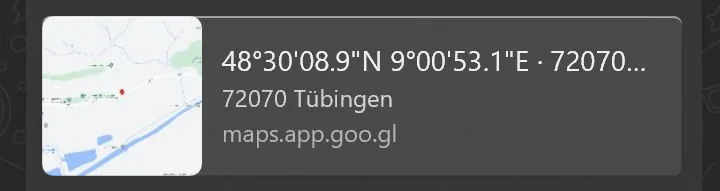
i.e. not a specific address, but rather just the geo information.
On the mobile phone, from within WhatsApp, I "shared" this location with the "My Porsche" App - which gave me a shrug like "Error at import - data format not supported"
Back to the PC I opened the WhatsApp link thru the associated Google Maps application and saw this:

with an inviting copy symbol.
Copying it gave a text sting as:
G227+XWJ
Going to the My Porsche Web app navigation and pasting this just as to try it into
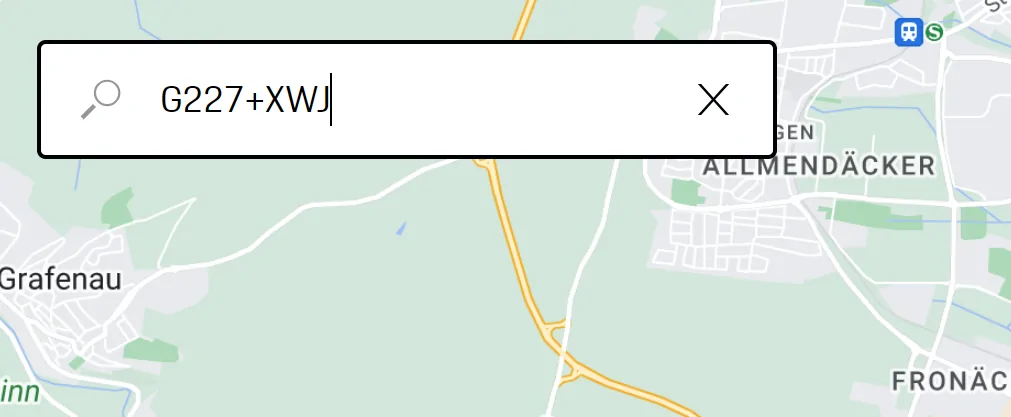
gave a perfect
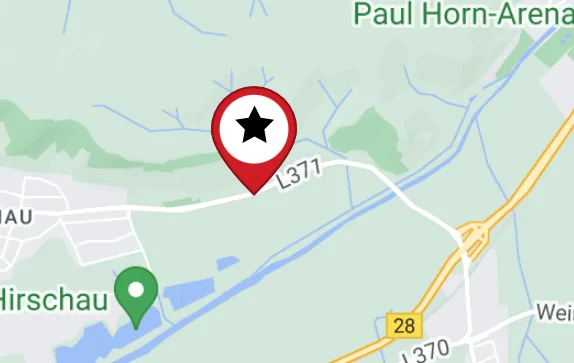
looking very similar to the WhatsApp thumbnail as seen above.
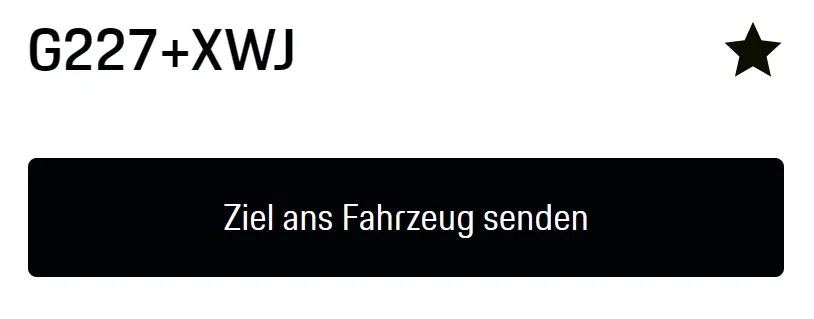
"Send to car" ... and done.
Disclaimer:
* may be it could be done on the mobile phone in a similar way - but dit not try this
* and sorry, if this is common knowledge already.
Sponsored


