Shug
Well-Known Member
- First Name
- Harry
- Joined
- Oct 2, 2024
- Threads
- 5
- Messages
- 255
- Reaction score
- 90
- Location
- Manchester
- Vehicles
- Taycan 4S, Cayenne Turbo, Cayman

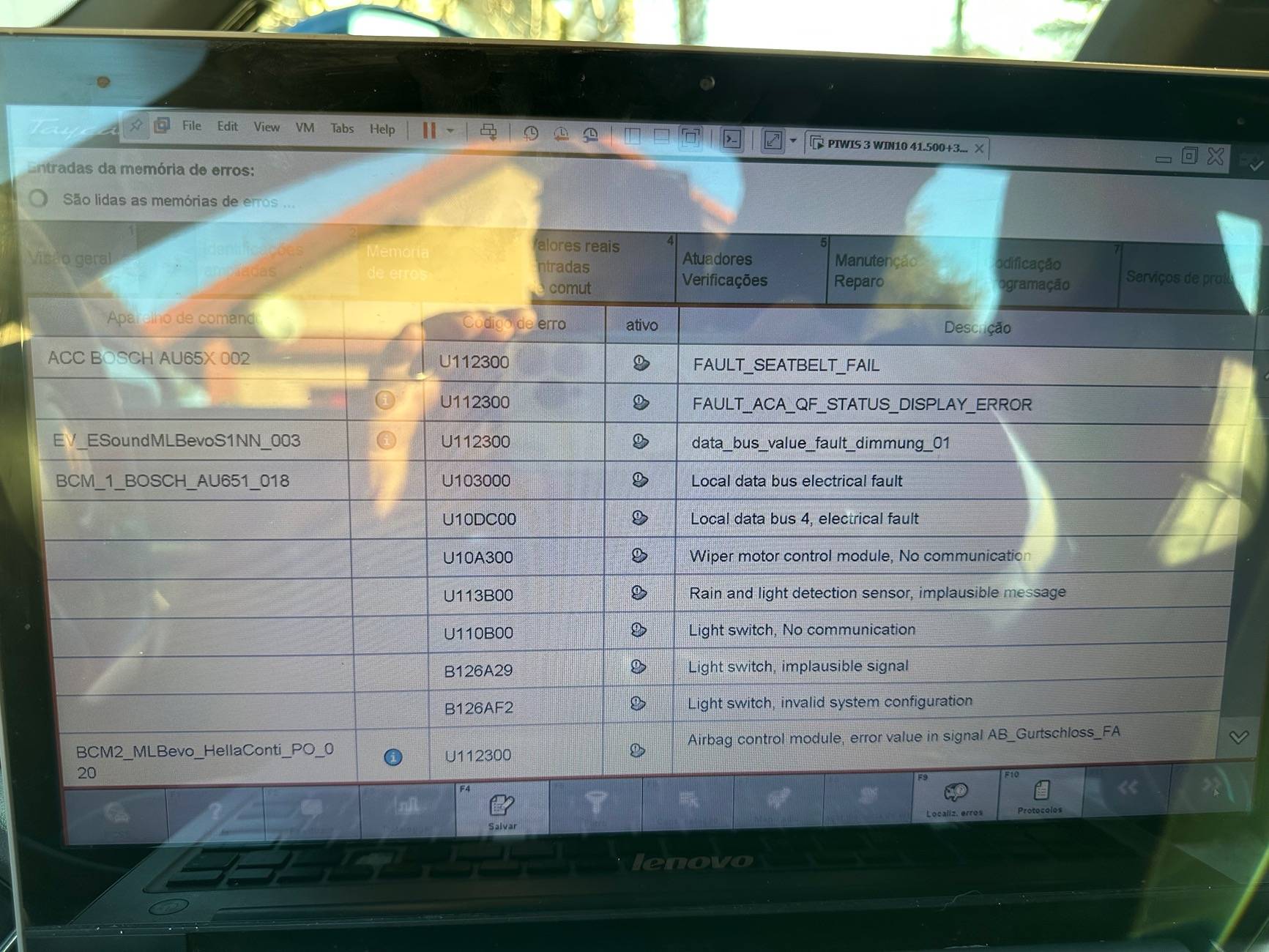
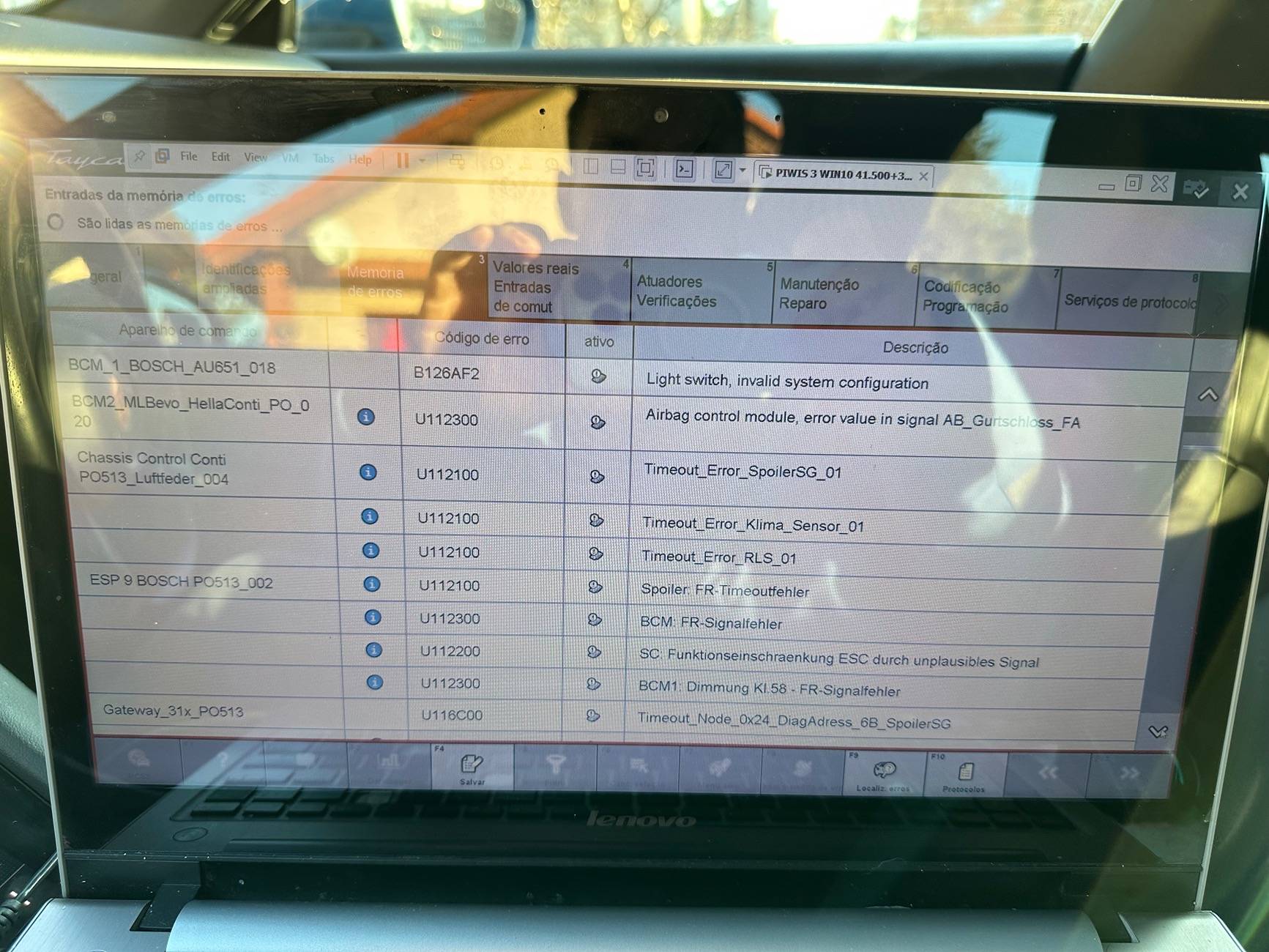
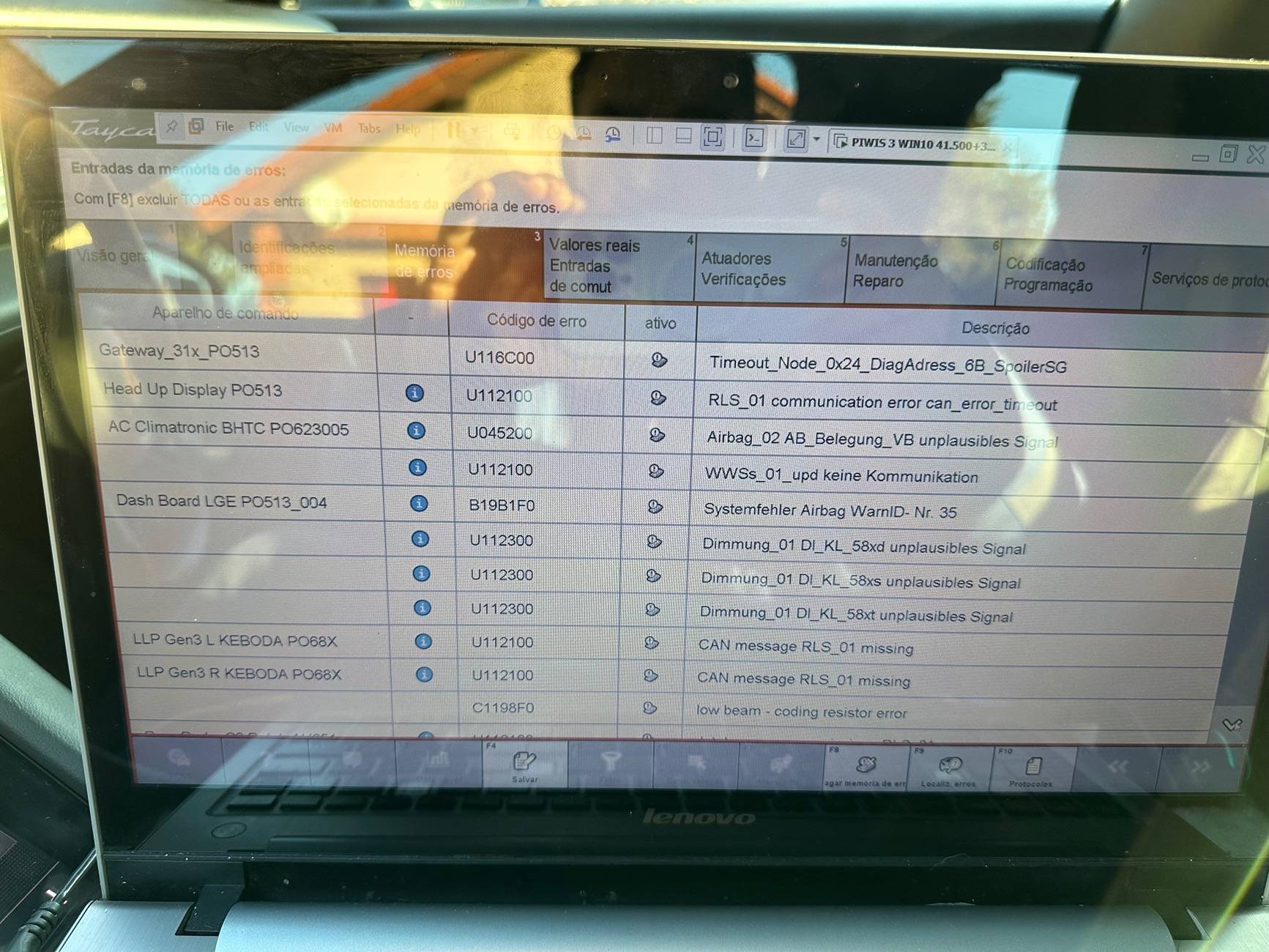
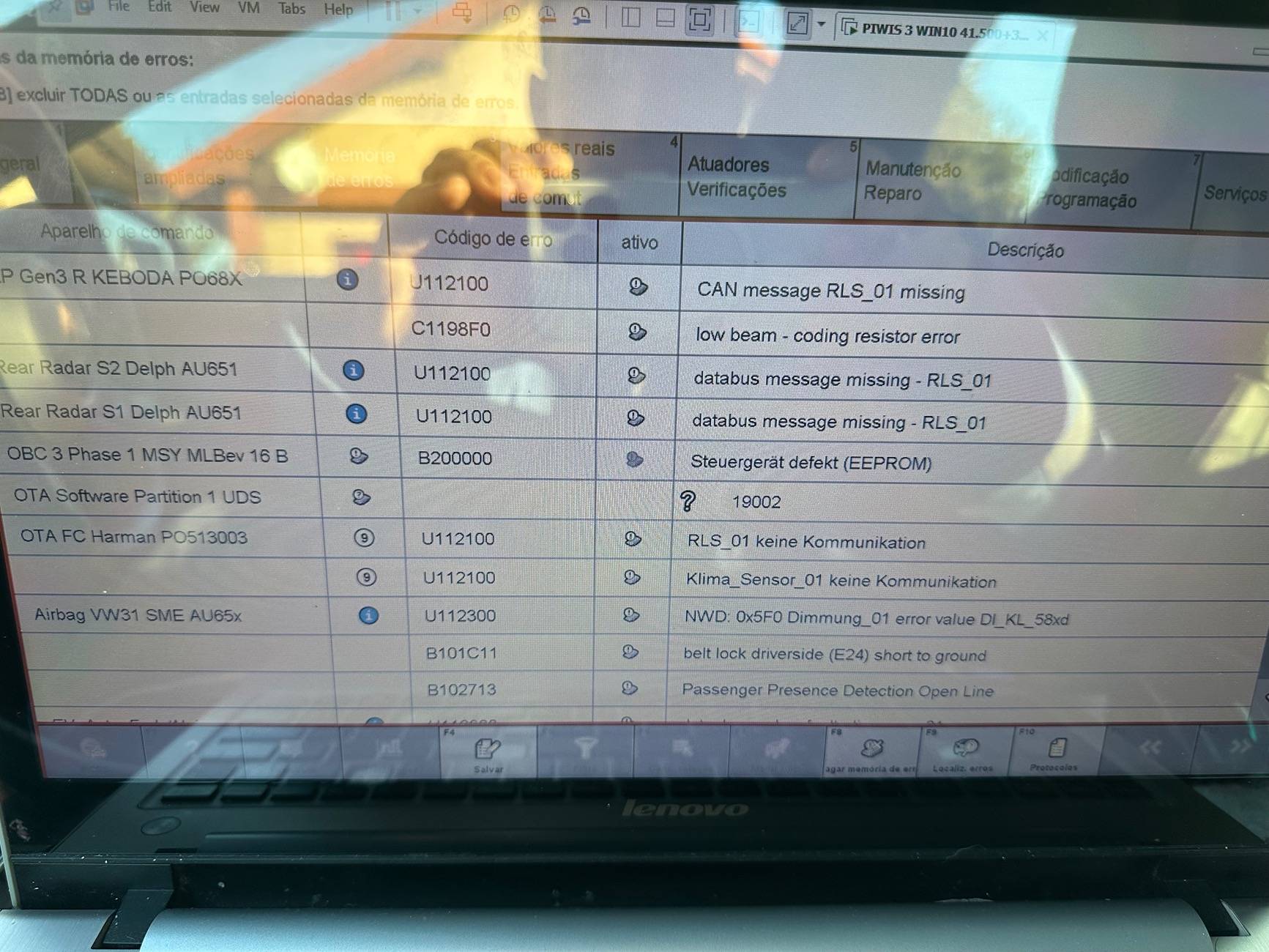
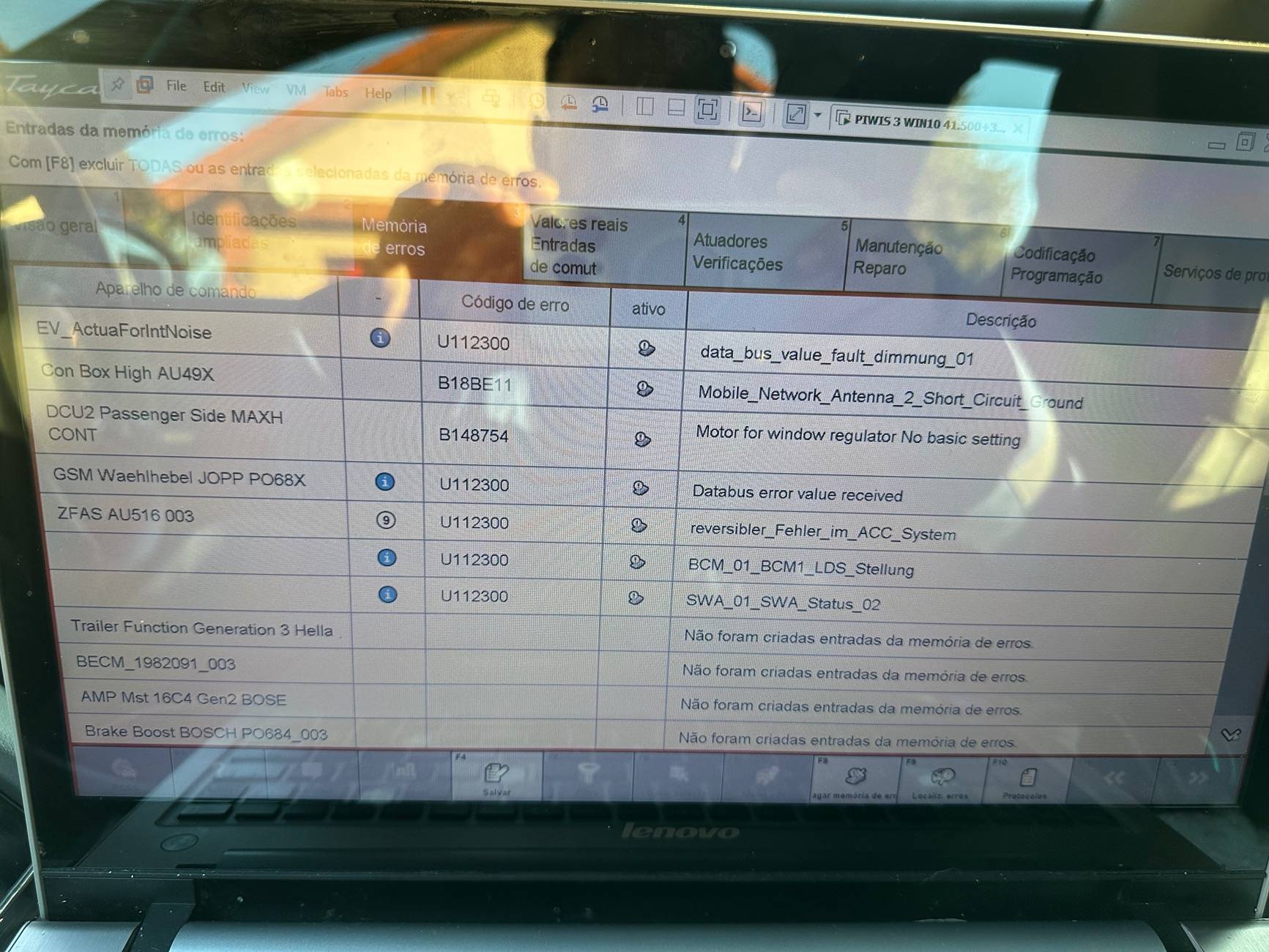
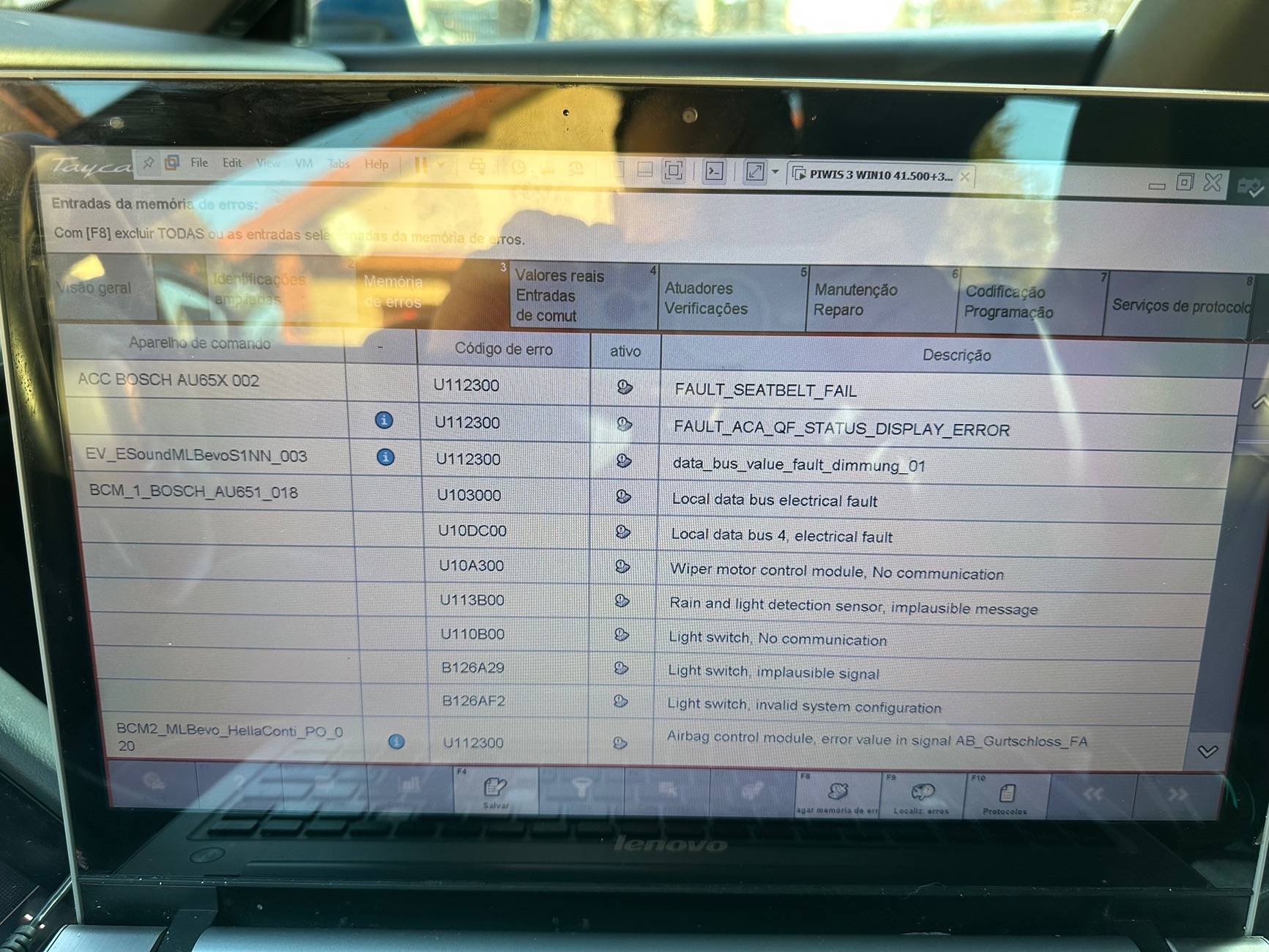
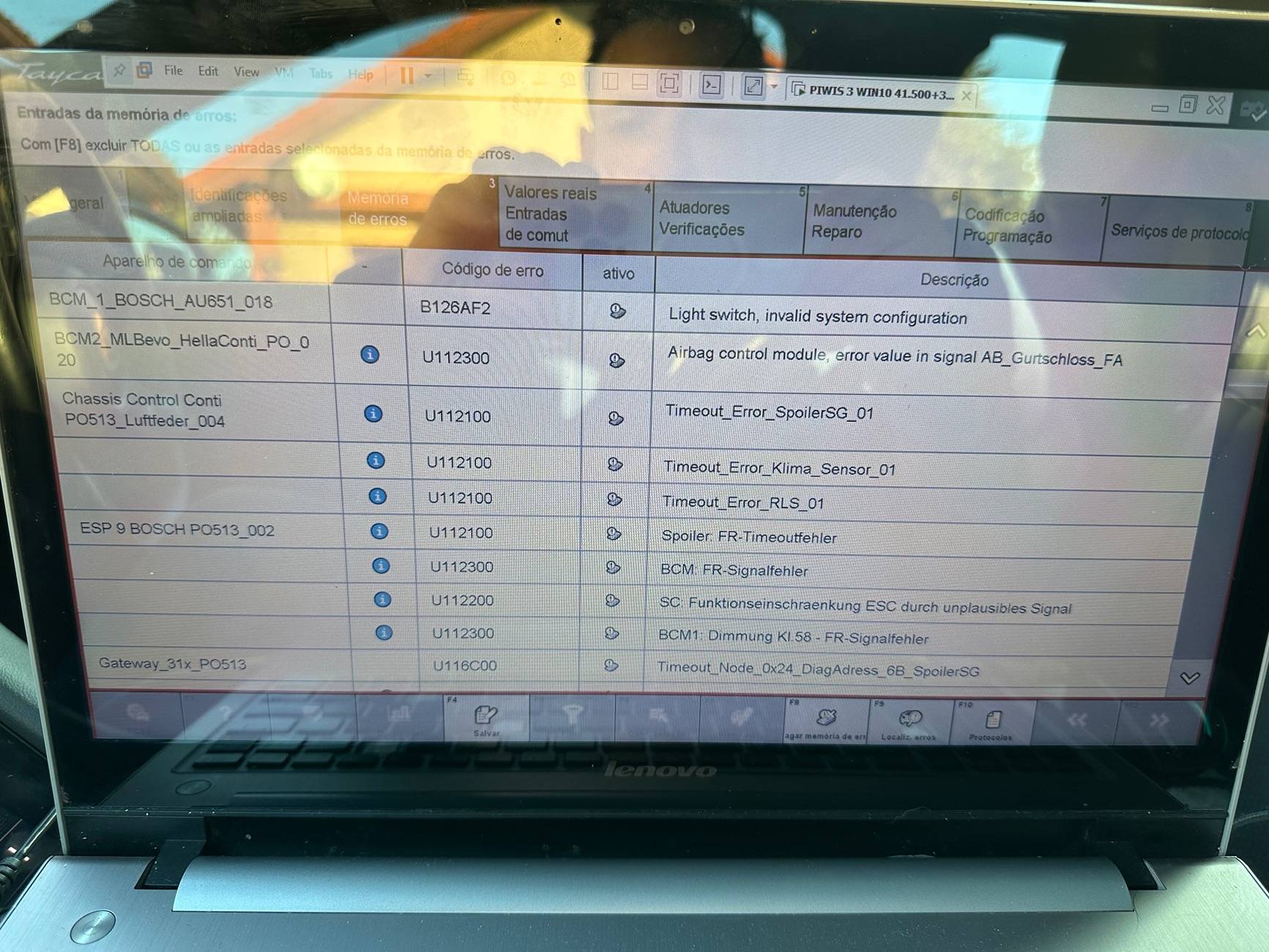
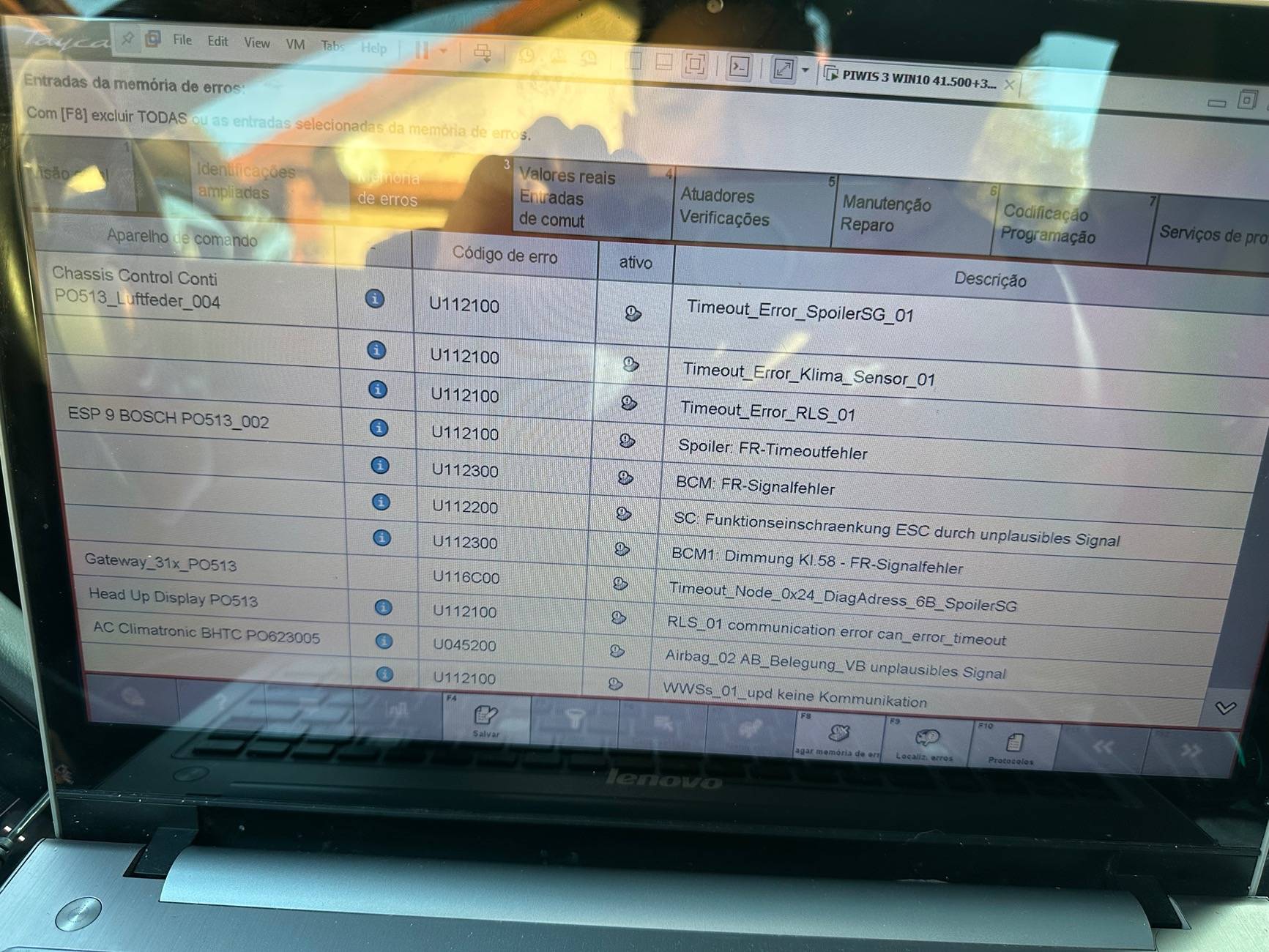
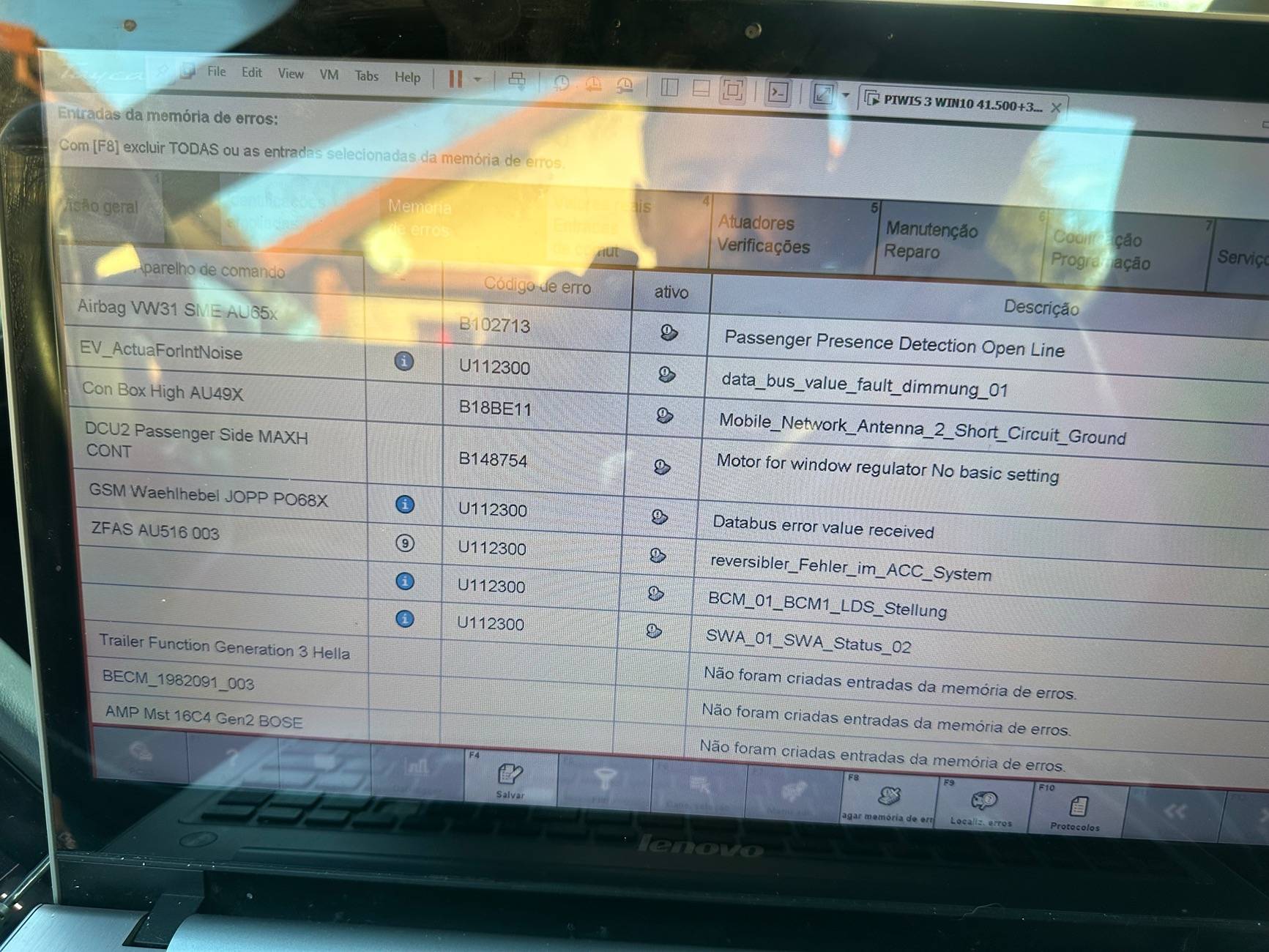
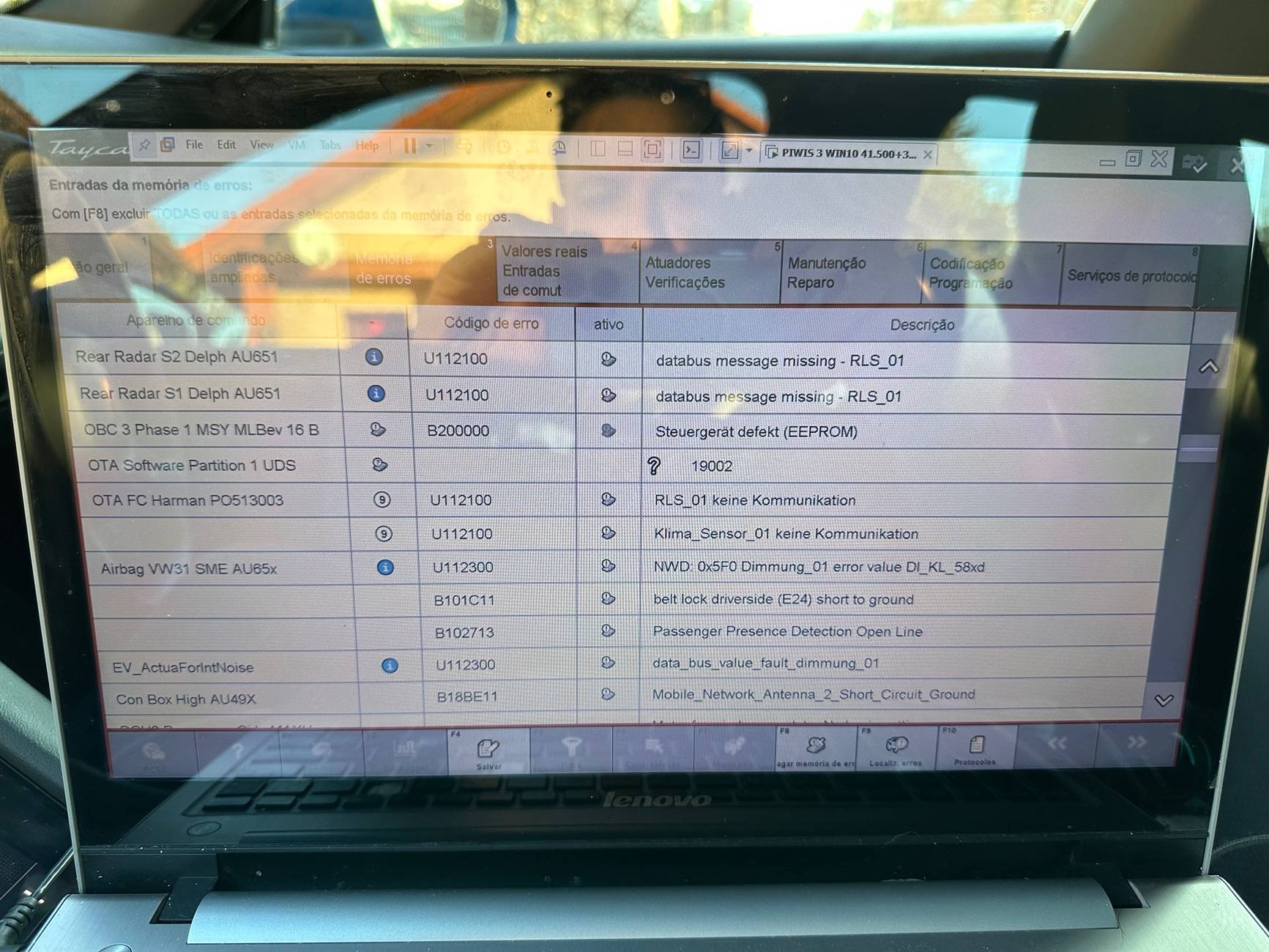
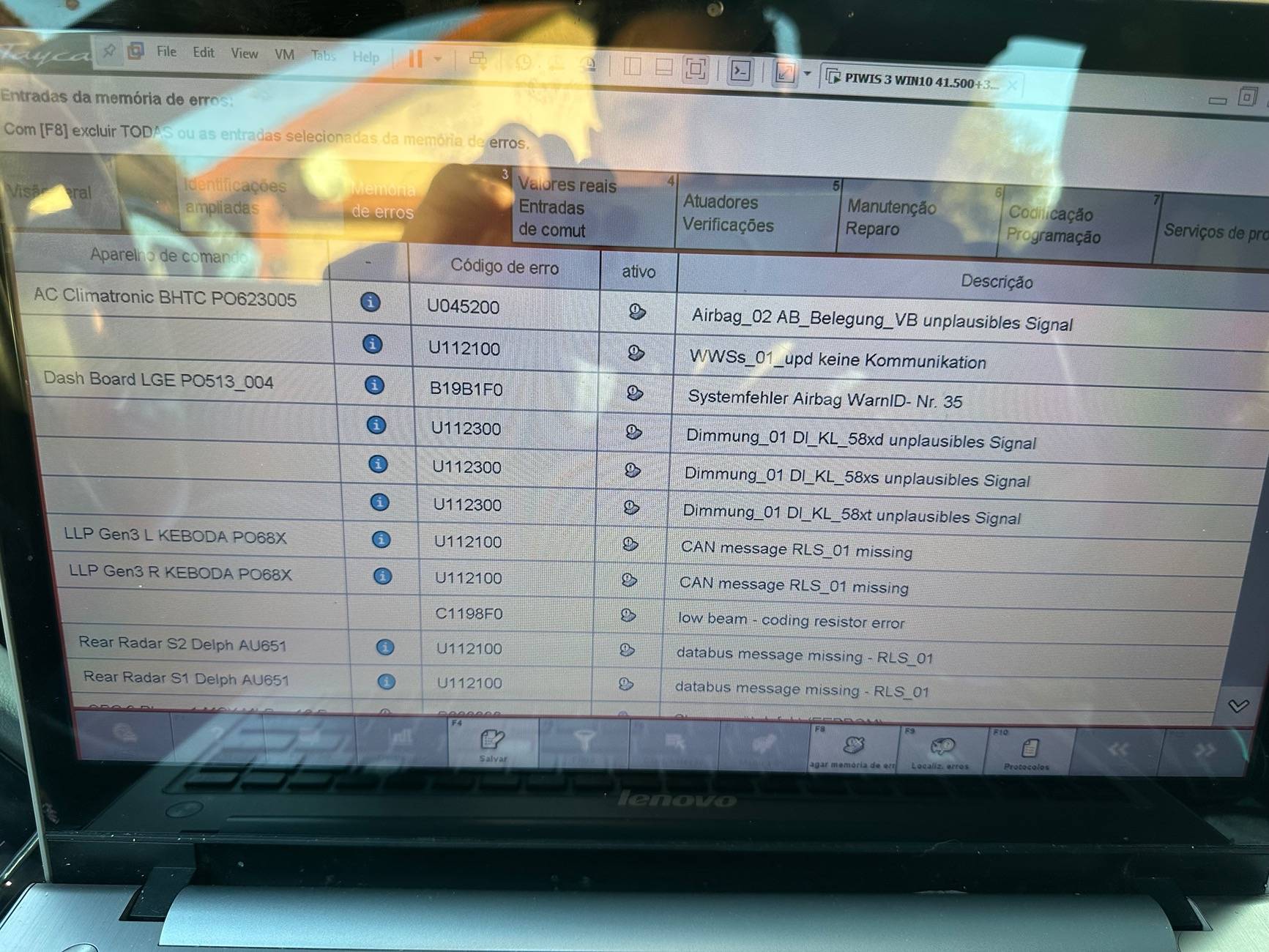
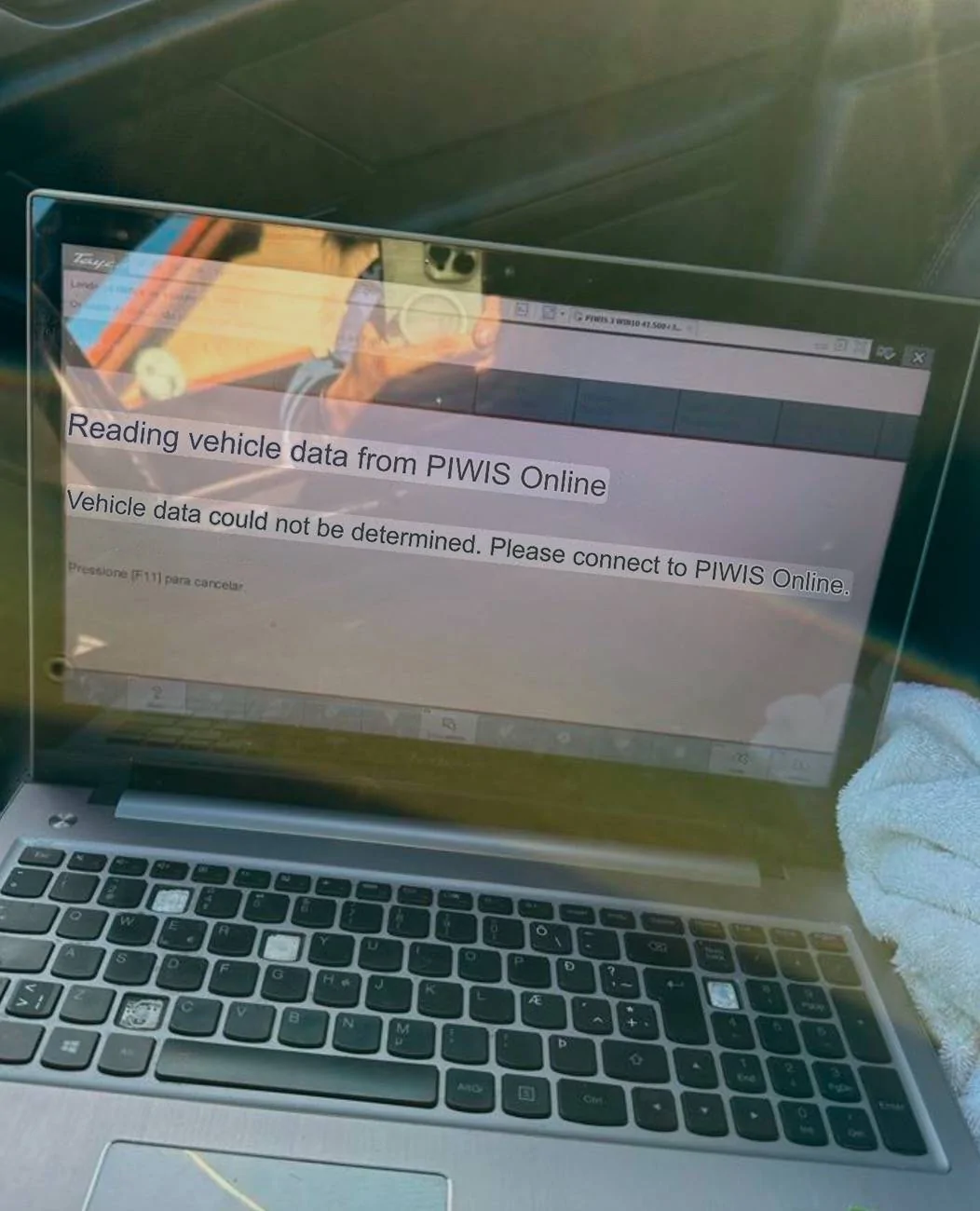
If you screenshot what you have done at each step so that it is clear what has happened and what you have succeeded with.
6. Read out and erase the fault memories of all control units.
6.1 Press F7 in the control unit selection screen” ('Overview' menu) to call up the Additional menu.

6.2 Select the function “Read all fault memories and erase if required” and press •F12“ ('Next') to confirm Erasing fault memories.
The fault memories of the control units are read out.
6.3 Once you have read out the fault memories, check the fault memory entries.
Information
6.4 Press F8“ to delete fault memory entries.
6.5 Press F12“ ('Yes') in response to the question as to whether you really want to delete all fault memory entries.
The faults stored in the fault memories of the various control units are deleted.
6. Read out and erase the fault memories of all control units.
6.1 Press F7 in the control unit selection screen” ('Overview' menu) to call up the Additional menu.
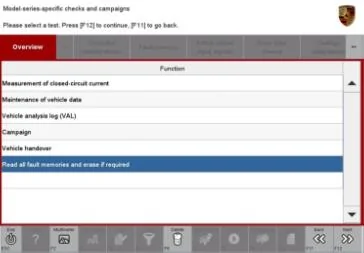
6.2 Select the function “Read all fault memories and erase if required” and press •F12“ ('Next') to confirm Erasing fault memories.
The fault memories of the control units are read out.
6.3 Once you have read out the fault memories, check the fault memory entries.
Information
6.4 Press F8“ to delete fault memory entries.
6.5 Press F12“ ('Yes') in response to the question as to whether you really want to delete all fault memory entries.
The faults stored in the fault memories of the various control units are deleted.
Sponsored