
Sponsored
Set your Porsche exterior color as app icon color on iPhone iOS and Android Phones
DougFrisk
Well-Known Member
- First Name
- Doug
- Joined
- Oct 24, 2022
- Threads
- 4
- Messages
- 380
- Reaction score
- 588
- Location
- Duluth MN
- Vehicles
- No longer awaiting a 4CT

Darn, you're right. This is not something inside the app where you could paint a background and use transparency. It has to be pre-generated and in the app package sent to the store. That really limits the options.Probably not as every icon is an image that needs to be generated before the app is available in the app store. I expect every default colors to be present. Dolomite, Gentian etc
GreenHornet
Well-Known Member
- First Name
- Chris
- Joined
- Jun 22, 2022
- Threads
- 6
- Messages
- 172
- Reaction score
- 236
- Location
- Oslo, Norway
- Website
- www.instagram.com
- Vehicles
- 2022 Taycan GTS Sport Turismo Dolomite Silver, wrapped to Nardo Grey

Don't think this has been released for everyone yet. Might have something to do with the backend issues and user migration that has been done.

whitex
Well-Known Member
- Joined
- Jul 30, 2021
- Threads
- 87
- Messages
- 8,218
- Reaction score
- 7,253
- Location
- WA, USA
- Vehicles
- 2023 Taycan TCT, 2024 Q8 eTron P+
Yea, but if you have more than one Porsche, does it let you have multiple icons, each with its own background color and linked to that car in the app?
darth_maul_80
Well-Known Member
- Joined
- Aug 28, 2021
- Threads
- 9
- Messages
- 317
- Reaction score
- 272
- Location
- London, ??
- Vehicles
- Taycan CT4 , Taycan GTS

I could choose between carmine red and volcano grey so yes it does. My wife drives our ct so she chose grey and I chose redYea, but if you have more than one Porsche, does it let you have multiple icons, each with its own background color and linked to that car in the app?
whitex
Well-Known Member
- Joined
- Jul 30, 2021
- Threads
- 87
- Messages
- 8,218
- Reaction score
- 7,253
- Location
- WA, USA
- Vehicles
- 2023 Taycan TCT, 2024 Q8 eTron P+
Can you have 2 icons/shortcuts on the same phone?I could choose between carmine red and volcano grey so yes it does. My wife drives our ct so she chose grey and I chose red
darth_maul_80
Well-Known Member
- Joined
- Aug 28, 2021
- Threads
- 9
- Messages
- 317
- Reaction score
- 272
- Location
- London, ??
- Vehicles
- Taycan CT4 , Taycan GTS
Don’t think so. Can you you have two of the same app on an iPhone?Can you have 2 icons/shortcuts on the same phone?
whitex
Well-Known Member
- Joined
- Jul 30, 2021
- Threads
- 87
- Messages
- 8,218
- Reaction score
- 7,253
- Location
- WA, USA
- Vehicles
- 2023 Taycan TCT, 2024 Q8 eTron P+
I don't think so, but you can have shortcuts (links). Not sure if the app can create different colored shortcuts.Don’t think so. Can you you have two of the same app on an iPhone?
Bakerman911
Well-Known Member
- First Name
- Luc
- Joined
- Aug 16, 2023
- Threads
- 2
- Messages
- 69
- Reaction score
- 36
- Location
- Belgie
- Vehicles
- Porsche 991 Targa, Porsche Taycan St, Mini JCW cab

Works for me, Vulcano Grey
WasserGKuehlt
Well-Known Member
- Joined
- Sep 7, 2022
- Threads
- 5
- Messages
- 2,066
- Reaction score
- 2,456
- Location
- WA
- Vehicles
- 4CT, 996C2, MacanS
And here I thought your icon would look a bit like your avatar..I could choose between carmine red and volcano grey so yes it does. My wife drives our ct so she chose grey and I chose red
Jhenson29
Well-Known Member
- First Name
- Jeremy
- Joined
- Feb 9, 2021
- Threads
- 37
- Messages
- 3,014
- Reaction score
- 4,650
- Location
- St. Louis, MO
- Vehicles
- 2022 Macan S; 2021 Taycan 4S
Mine only shows the color for one of my cars. ?I could choose between carmine red and volcano grey so yes it does. My wife drives our ct so she chose grey and I chose red
Edit: only one car has a connect account and that’s the one that shows up. I wonder if that’s related.
Last edited:
BoilerG
Member
Awesome! I got a Turbonite logo option too. Thanks for sharing! Now I need to get my app to actually work again…Nice. Didn’t knew this. Works for me also.
and in CarPlay


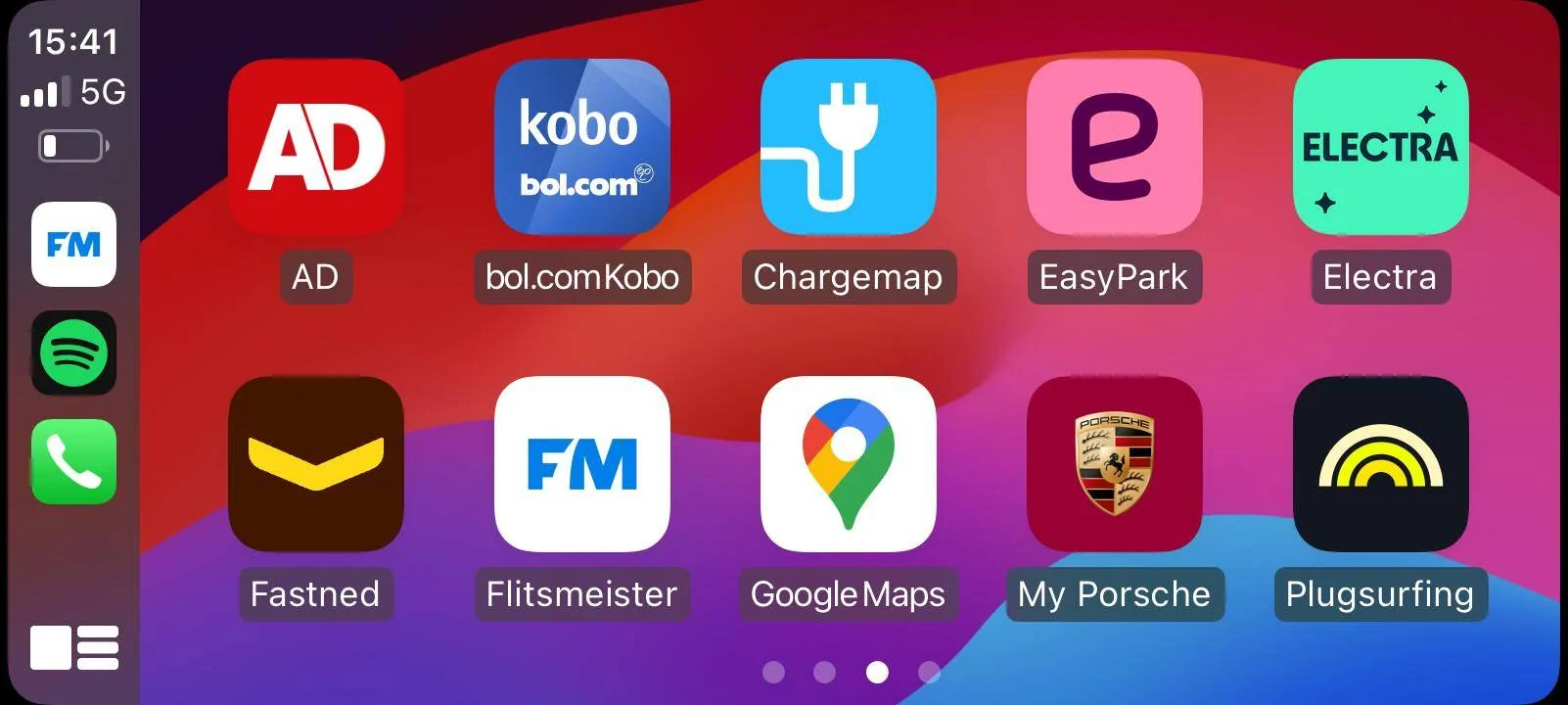
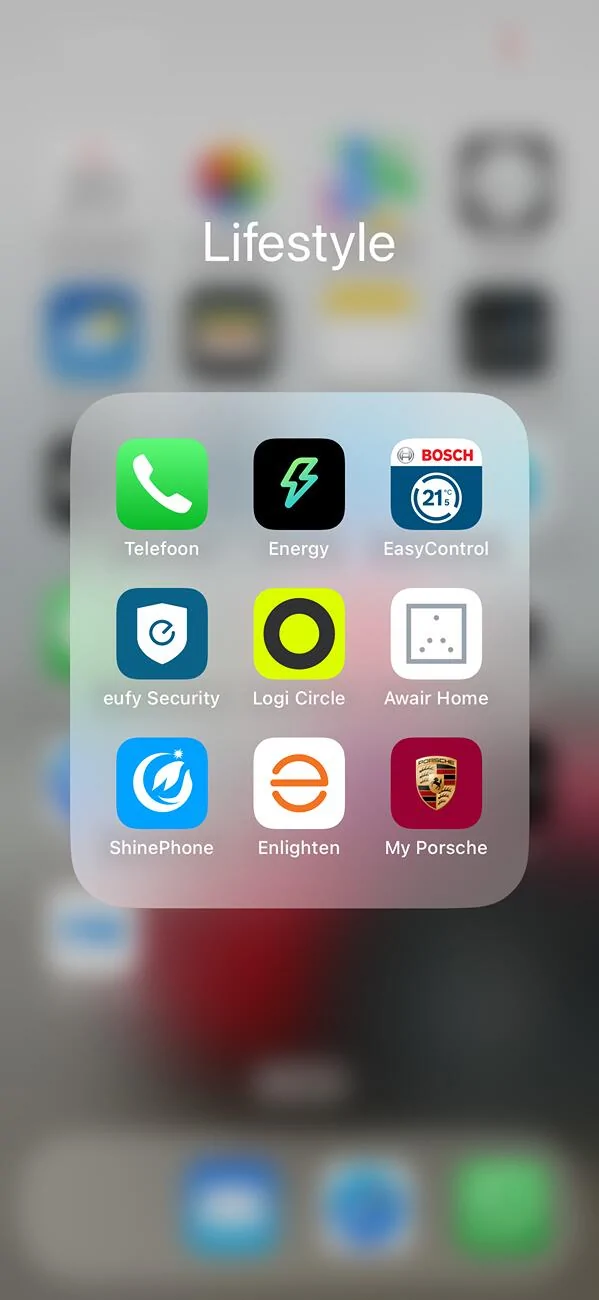
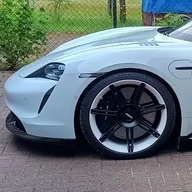
Dee
Well-Known Member
- First Name
- Dee
- Joined
- Dec 14, 2018
- Threads
- 78
- Messages
- 3,508
- Reaction score
- 4,050
- Location
- The Netherlands
- Vehicles
- A lot

Nope, doesn't work here...

Strange....as I'm in the Netherlands too.
App is up-to-date.
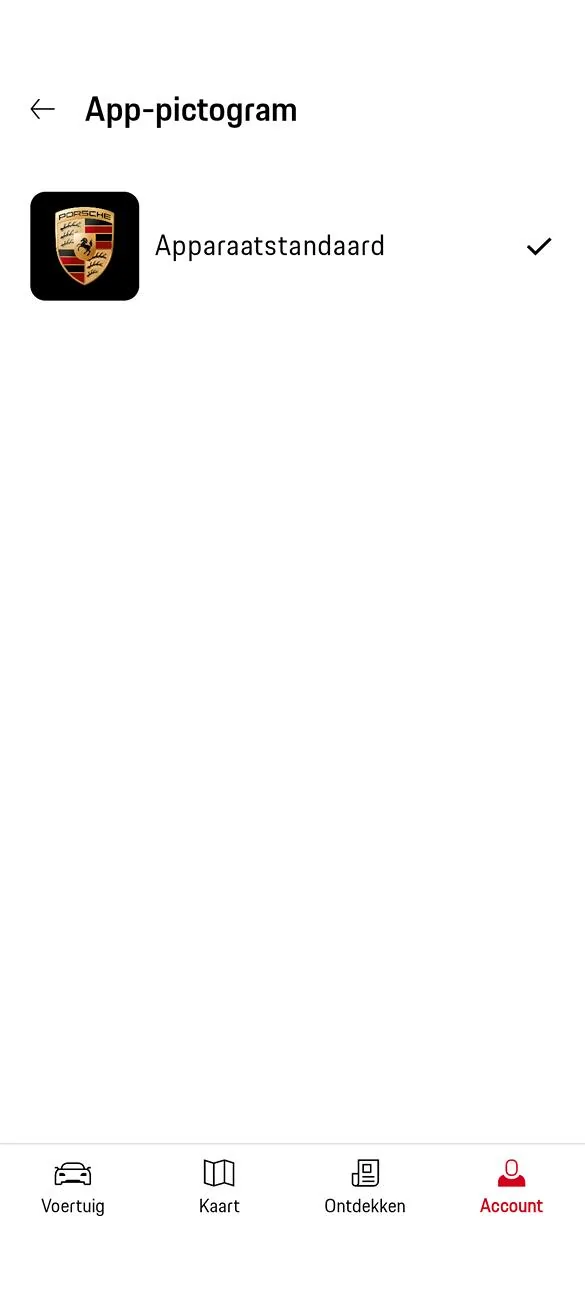
Strange....as I'm in the Netherlands too.
App is up-to-date.
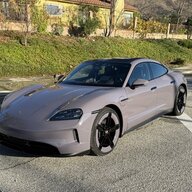
johnarpy
Well-Known Member
- First Name
- John
- Joined
- Jul 31, 2022
- Threads
- 0
- Messages
- 45
- Reaction score
- 59
- Location
- Los Angeles
- Vehicles
- 2025 Taycan 4S, 2024 911 S/T, 2019 911 Speedster, 2019 911 turbo S, and 1990 C4
My Jet Black and my Chalk were shown as options. My PTS and my White were not shown on app. iOS.Which exterior color do you have? Maybe black white and pts are excluded?
Sponsored


