tutis
Well-Known Member

- Thread starter
- #1
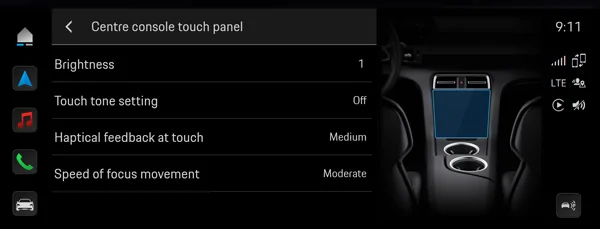
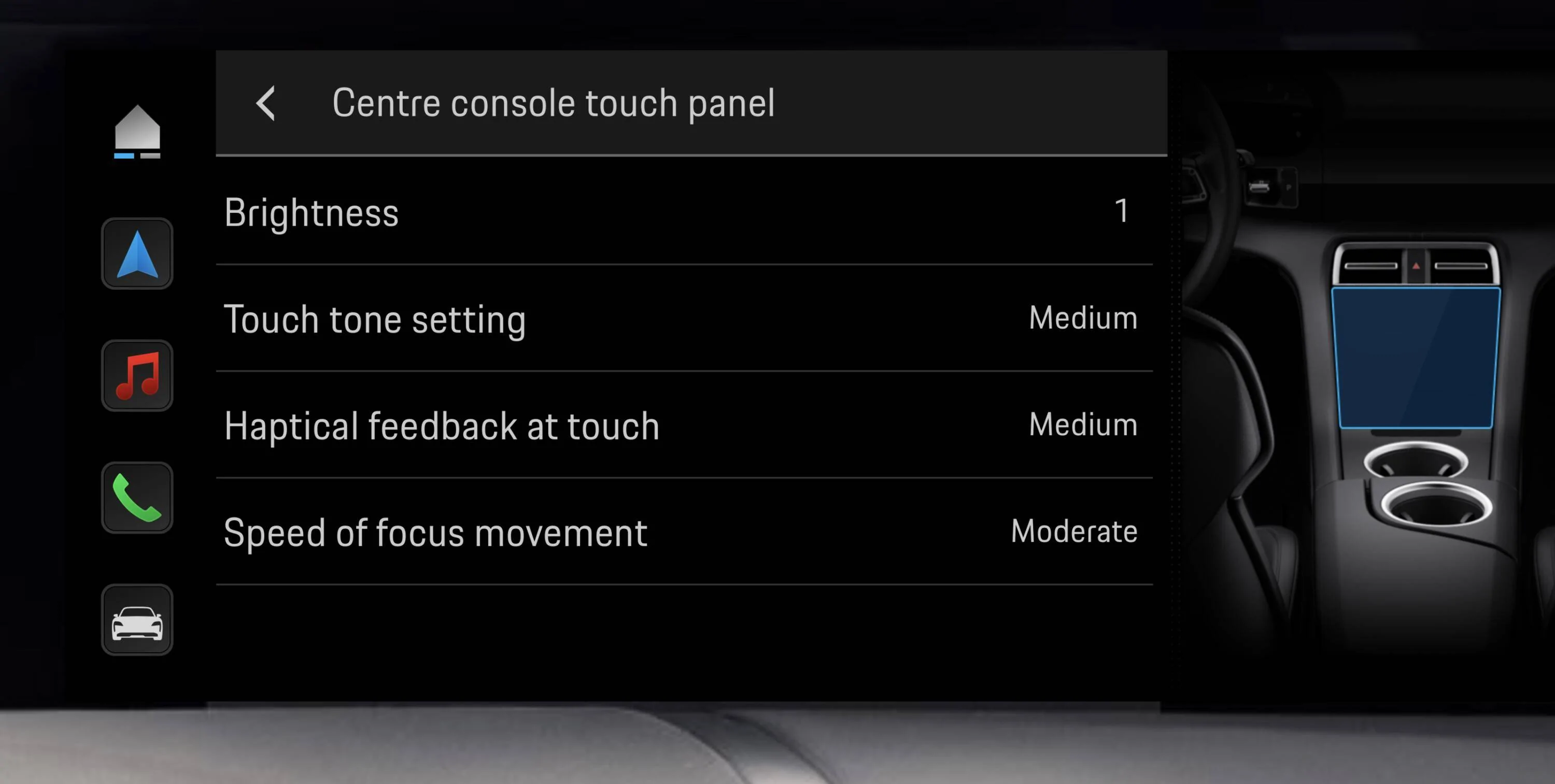
I have the updated PCM 6 software with the colour icons. Is there any way to disable the maddening click tone when clicking things on the screen? It's a small thing but it feels like a thousand paper cuts when using the PCM. I have searched through what seems like all the menus and cannot find this option. Online manual in the car has nothing either.
Is there a way to disable these?
Btw, Searched on the forum for "key tone", "keytone" and "click tone" and found nothing. If there's an existing solution please point me to it!
Thanks!
Is there a way to disable these?
Btw, Searched on the forum for "key tone", "keytone" and "click tone" and found nothing. If there's an existing solution please point me to it!
Thanks!
Sponsored