Sponsored

Interested in an unofficial Apple Watch app?

B61

Well-Known Member
First Name
Bine
Joined
May 31, 2021
Threads
10
Messages
2,729
Reaction score
1,727
Location
SI
Vehicles
4S (8/2025), CT4 (9/2021-8/2025, 65k km)
Country flag
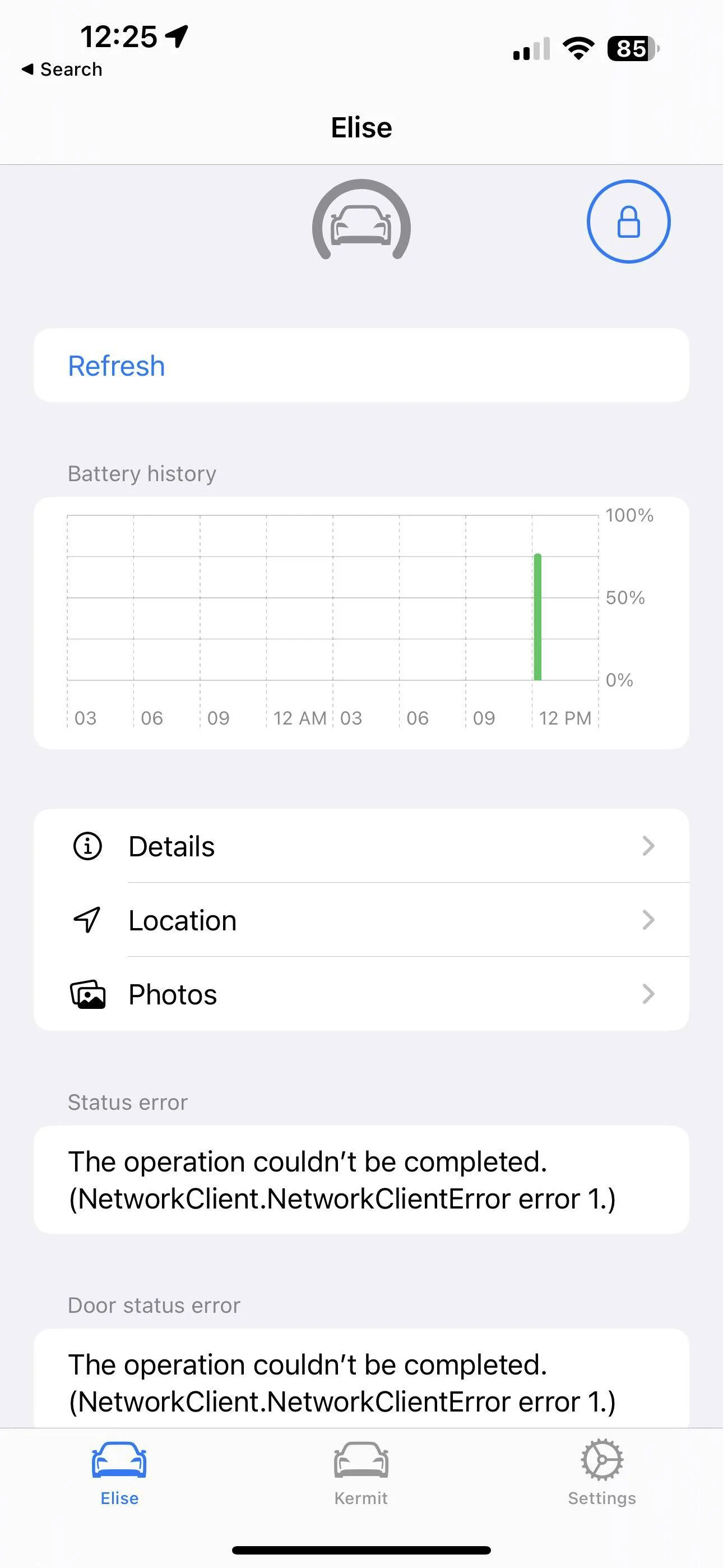
Just deleted & reinstalled, still don’t see widget.
I don’t know how/where to get to screen as you posted.
 
OP
OP
electricsidecar

electricsidecar

Well-Known Member
Joined
Oct 15, 2022
Threads
8
Messages
647
Reaction score
830
Location
USA
Website
electricsidecar.app
Vehicles
Volcano Gray Taycan 2022
Country flag
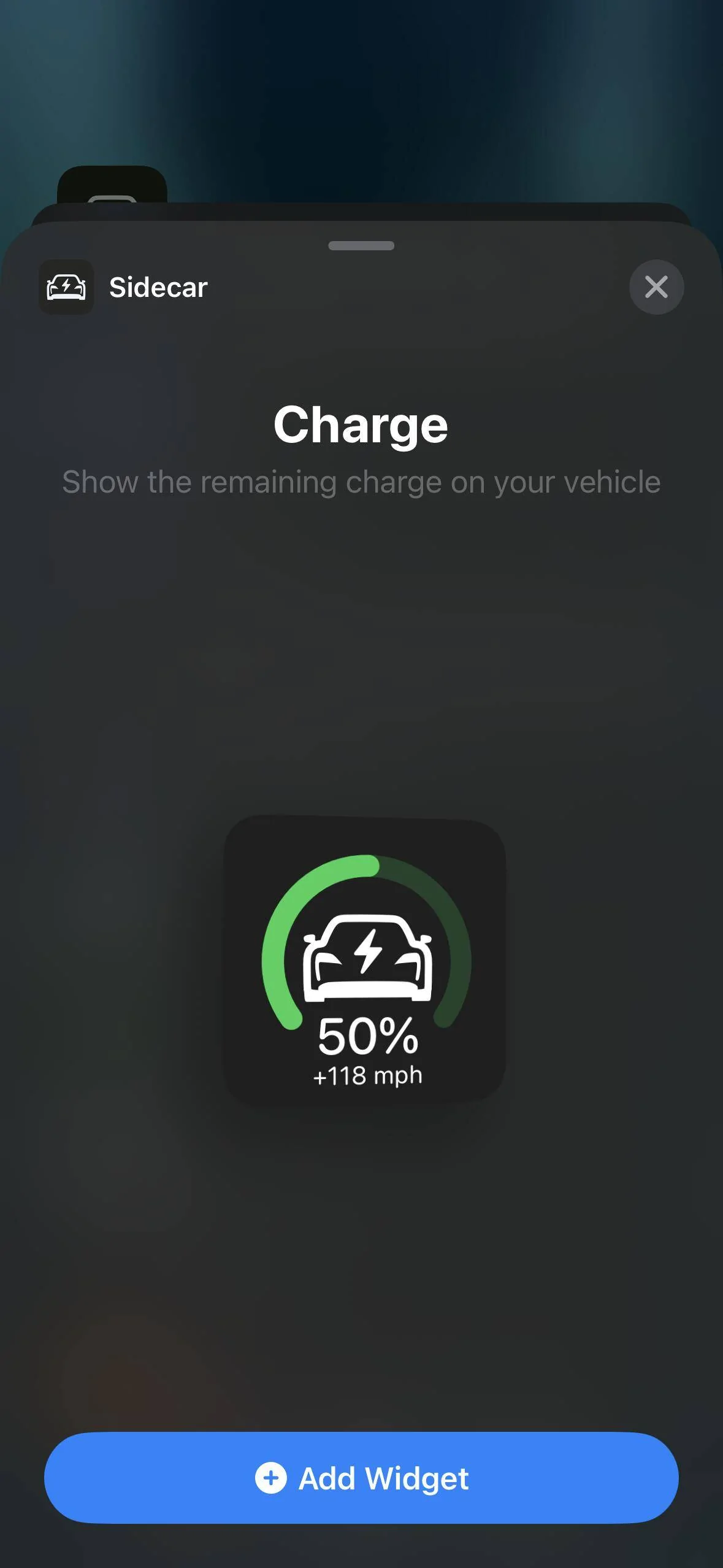
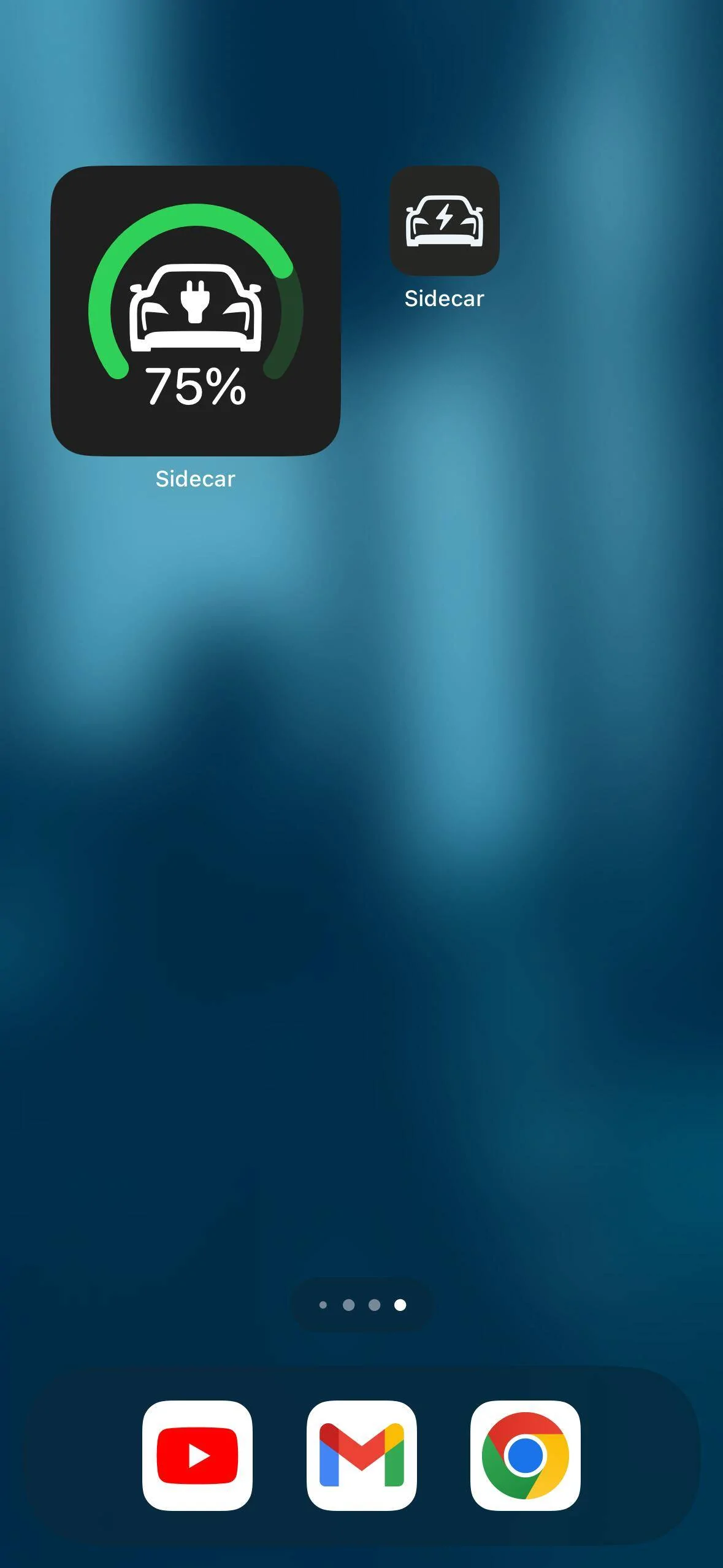
Make sure you’re on v1.3-3, and then do this flow:

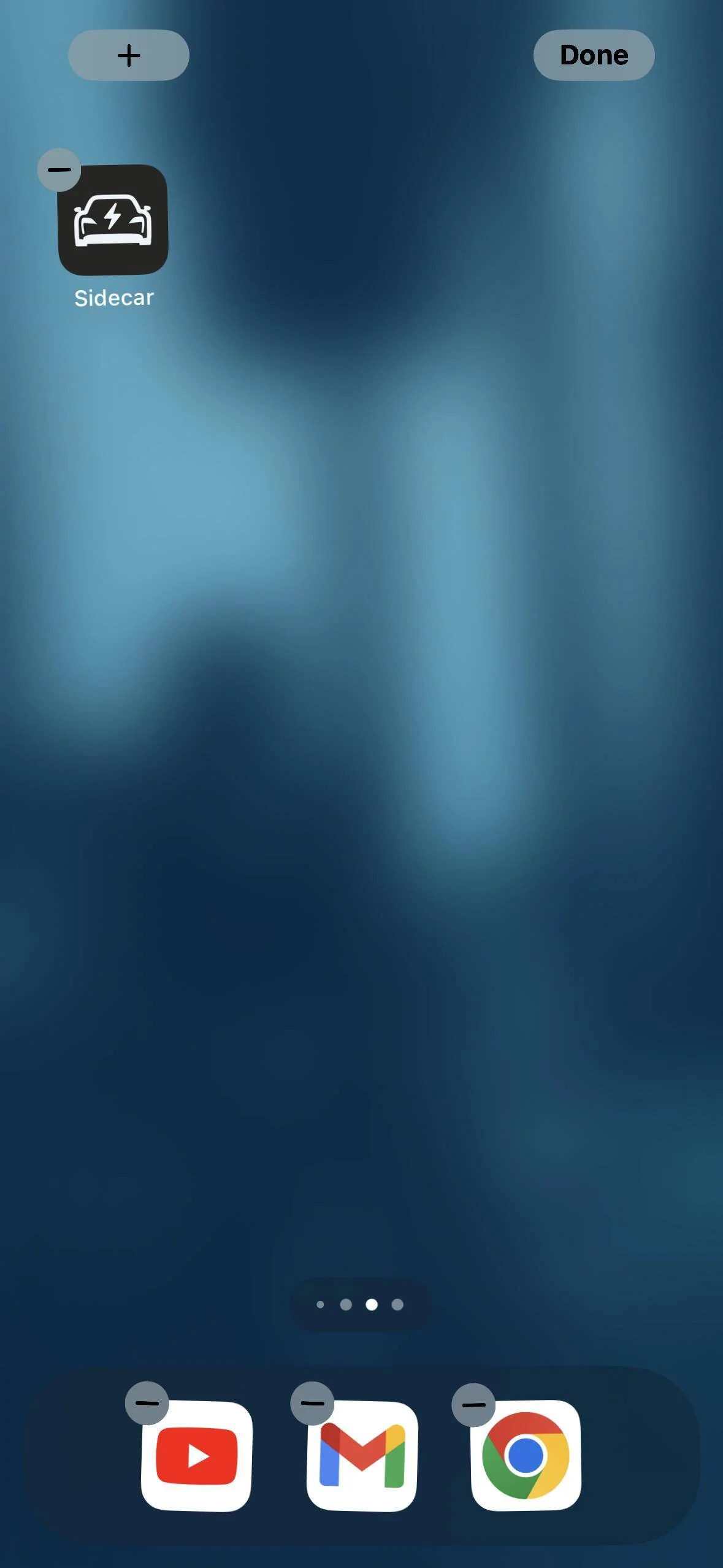
Tap and hold for wiggle mode
Porsche Taycan Interested in an unofficial Apple Watch app? IMG_7321


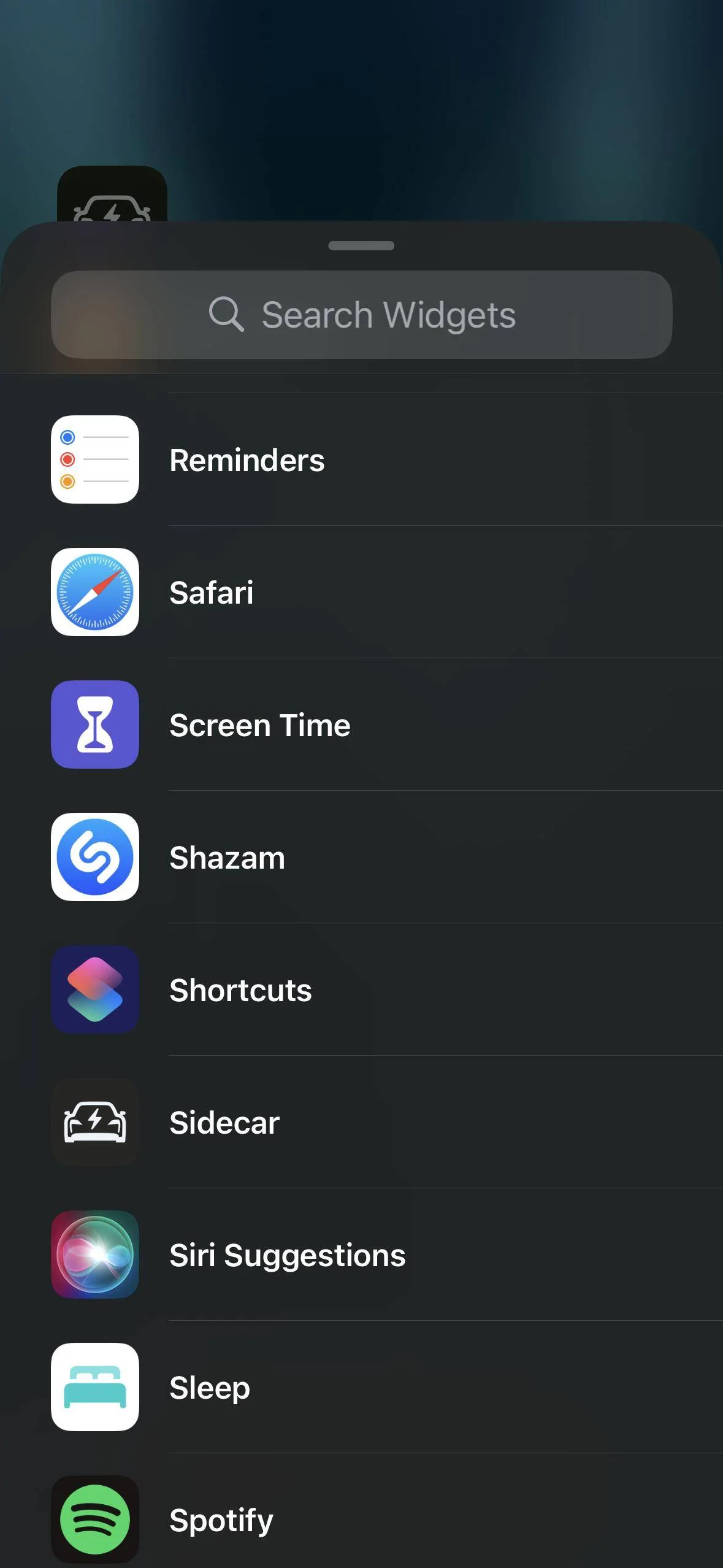
Scroll to Sidecar:

Porsche Taycan Interested in an unofficial Apple Watch app? IMG_7320


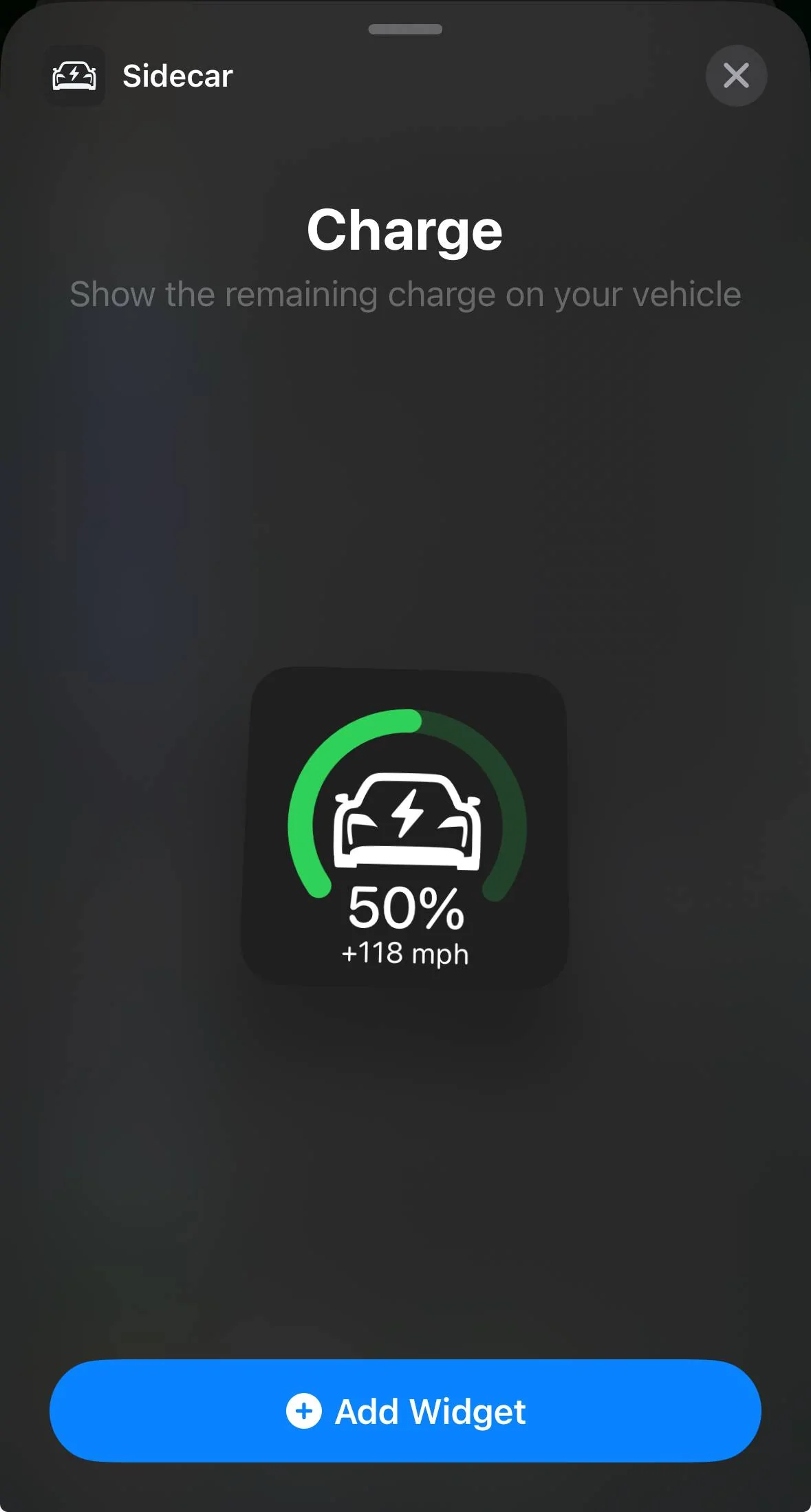
Tap to add the widget:

Porsche Taycan Interested in an unofficial Apple Watch app? IMG_7322


Porsche Taycan Interested in an unofficial Apple Watch app? IMG_7323
 
  • Like
Reactions: B61

B61

Well-Known Member
First Name
Bine
Joined
May 31, 2021
Threads
10
Messages
2,729
Reaction score
1,727
Location
SI
Vehicles
4S (8/2025), CT4 (9/2021-8/2025, 65k km)
Country flag


McgR

Well-Known Member
Joined
Sep 27, 2021
Threads
37
Messages
1,740
Reaction score
1,603
Location
Belgium
Vehicles
Taycan CT 4
Country flag
I set the colors to 20% red 20-85 green 85 -100 blue and it works.

ps thanks for adding the written colors. I am colorblind And this does make it easier.

Porsche Taycan Interested in an unofficial Apple Watch app? IMG_4740


OP
OP
electricsidecar

electricsidecar

Well-Known Member
Joined
Oct 15, 2022
Threads
8
Messages
647
Reaction score
830
Location
USA
Website
electricsidecar.app
Vehicles
Volcano Gray Taycan 2022
Country flag
All good :) I think I’m going to add a guides section to the https://electricsidecar.app website and within the app because there’s quite a few flows on iOS that aren’t super obvious (like the fact that you can pick which vehicle a given widget is showing info for on iOS by tapping the widget while in wiggle mode).
 
  • Like
Reactions: B61

TDinDC

Well-Known Member
Joined
Jun 25, 2022
Threads
21
Messages
1,066
Reaction score
1,277
Location
Washington, DC, USA
Vehicles
'22 Taycan 4S Cross Turismo, '06 Club Coupe (#48)
Country flag
Thanks for your great work on this. I have more than one Porsche, but only one Porsche EV. Would it be possible to "delete" the ICE Porsche from the app? I know I could remove it from my Porsche, but I don't want to do that.

Also, if you cannot eliminate it, could you change the order on how they show up? ICE always shows up first for me.
 
OP
OP
electricsidecar

electricsidecar

Well-Known Member
Joined
Oct 15, 2022
Threads
8
Messages
647
Reaction score
830
Location
USA
Website
electricsidecar.app
Vehicles
Volcano Gray Taycan 2022
Country flag
Thanks for your great work on this. I have more than one Porsche, but only one Porsche EV. Would it be possible to "delete" the ICE Porsche from the app? I know I could remove it from my Porsche, but I don't want to do that.

Also, if you cannot eliminate it, could you change the order on how they show up? ICE always shows up first for me.
Ah! Does the app work ok for the ICE vehicle? I don’t have one and haven’t been able to test the app much with it. I’d be curious to see what kind of data about the car could be surfaced in the app; does the My Porsche app show fuel levels?

But I’ve also noted your feature requests. Hiding and managing multiple vehicles will be added in a future release :)
 

TDinDC

Well-Known Member
Joined
Jun 25, 2022
Threads
21
Messages
1,066
Reaction score
1,277
Location
Washington, DC, USA
Vehicles
'22 Taycan 4S Cross Turismo, '06 Club Coupe (#48)
Country flag
Ah! Does the app work ok for the ICE vehicle? I don’t have one and haven’t been able to test the app much with it. I’d be curious to see what kind of data about the car could be surfaced in the app; does the My Porsche app show fuel levels?

But I’ve also noted your feature requests. Hiding and managing multiple vehicles will be added in a future release :)
I wish it showed fuel level! No, it just saves basic information like VIN and other non-dynamic information.

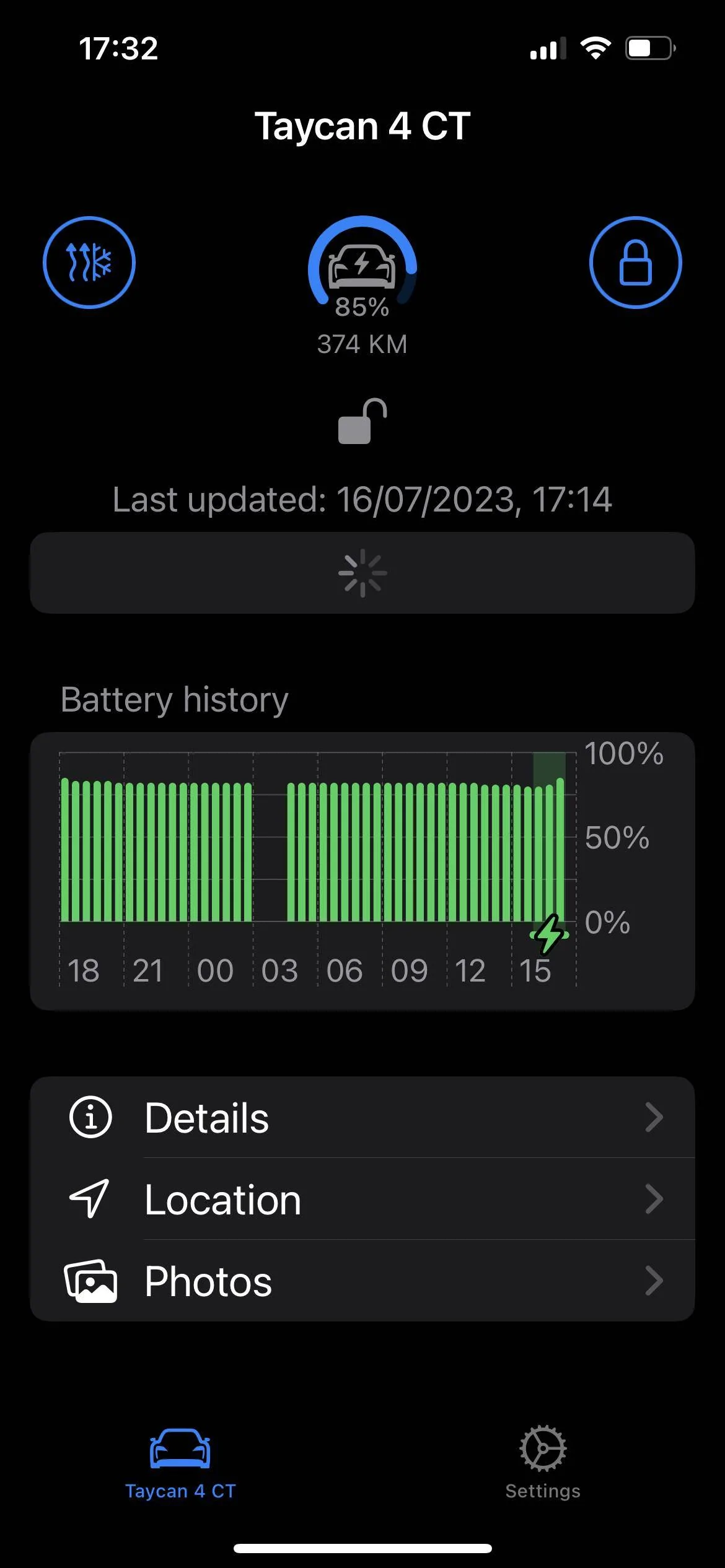
Porsche Taycan Interested in an unofficial Apple Watch app? IMG_4983
 
Last edited:

ciaranob

Well-Known Member
Joined
Jul 3, 2021
Threads
83
Messages
3,547
Reaction score
2,639
Location
Houston, TX
Vehicles
CT4S 2022 Mini Cooper S 2024 Electric in 2025/6
Country flag
So far this only applies to the charge widget. I’m planning to make this color setting apply to anywhere that battery levels are shown. Preference sync between watch and phone hasn’t been built yet but is also on the roadmap :) For now you’ll have to configure it separately.
Ah - thought that might be the case but .....

Are you able to recreate the issue with my phone set charging 'window' of green above 40% yet the watch complication shows yellow (which is set for 15-40%) - I re-installed the complications in case a lag effect there but I am still seeing the same error and 'disconnect' re between custom color from phone to watch - but again the phone widget IS showing the correct color green for 43%! And yes, the phone and watch fully paired as in the Sidecar settings.
 
OP
OP
electricsidecar

electricsidecar

Well-Known Member
Joined
Oct 15, 2022
Threads
8
Messages
647
Reaction score
830
Location
USA
Website
electricsidecar.app
Vehicles
Volcano Gray Taycan 2022
Country flag
Watch and phone don't sync preferences (yet!); they're both essentially completely standalone apps, which is intentional but does require that I build intentional synchronization mechanisms between both apps.
 

ciaranob

Well-Known Member
Joined
Jul 3, 2021
Threads
83
Messages
3,547
Reaction score
2,639
Location
Houston, TX
Vehicles
CT4S 2022 Mini Cooper S 2024 Electric in 2025/6
Country flag
Watch and phone don't sync preferences (yet!); they're both essentially completely standalone apps, which is intentional but does require that I build intentional synchronization mechanisms between both apps.
Wait so I was obviously confused - are you saying that the 'set custom colors for charge state' dialog is only 'operable' in the phone app right now and will 'sync' with the watch at a later date, hence why I cannot currently get the color I chose in the phone to appear in my watch (but the phone widget hence works)?

Guess I answered my own question :)!!

PS: Still poss a separate issue though of the charge complication color (yellow) and the Range complication colors (orange) not being the same on the Watch as is?
Sponsored


Top