Austin_yeahbaby
Well-Known Member
- Joined
- Sep 30, 2019
- Threads
- 43
- Messages
- 363
- Reaction score
- 318
- Location
- United Kingdom
- Vehicles
- Taycan 4S, replaced my 911 ;-)

- Thread starter
- #1
I’ve been asked by a couple of people to share more details on the dashcam self install so here goes.
the dashcam I installed was a nextbase 4K 622W as per : https://www.nextbase.com/en-gb/dash-cams/622gw-dash-cam/
The front camera is 4k @ 30fps or 1440 @ 60fps pr 1080p@120fps
it then has 2 accessories you can select from, cabin camera, rear camera attached to front camera or a rear window mounted camera (that’s what I went for)
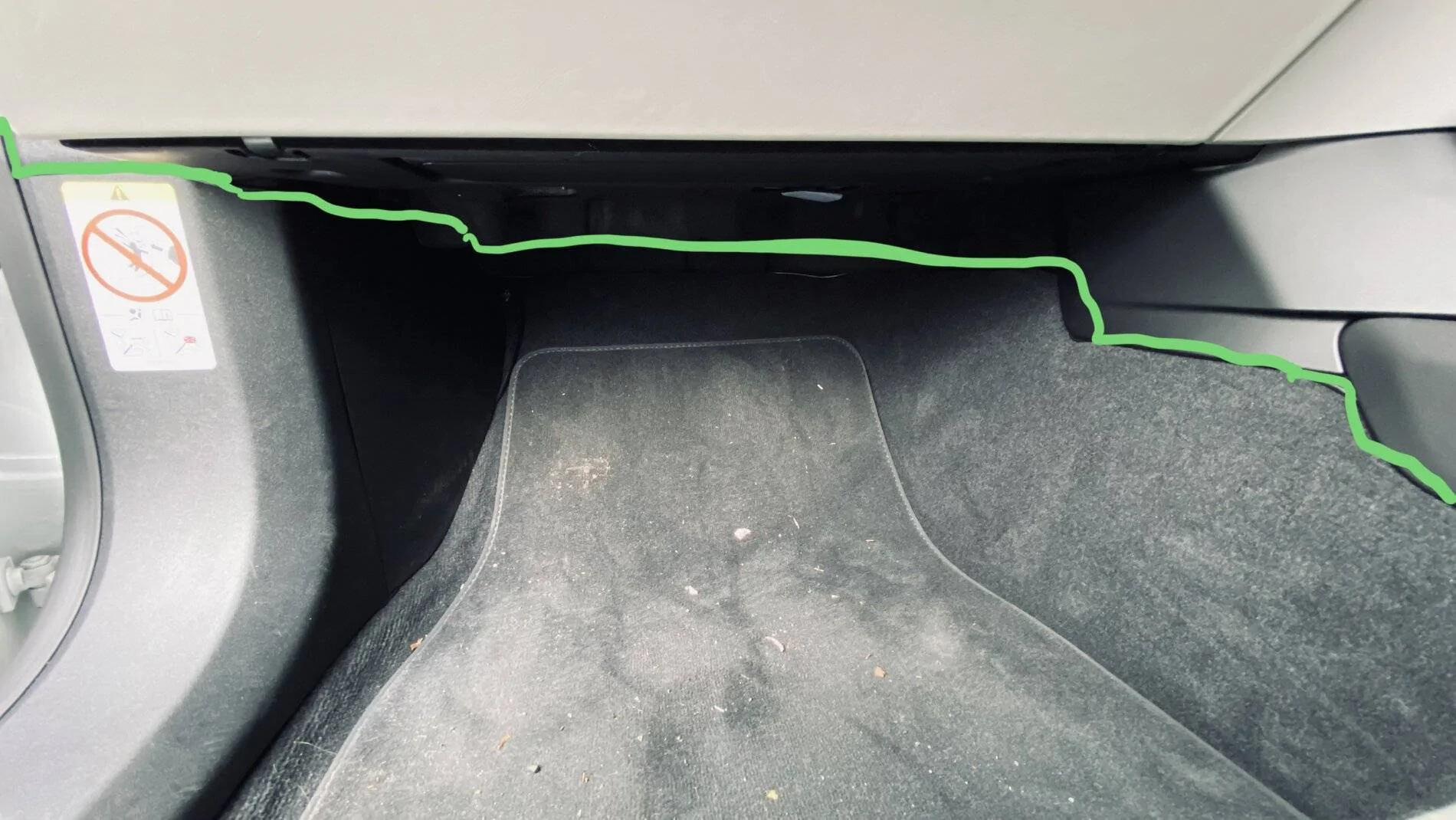
installation took about 30 minutes but that was taking my time around getting the wires completely hidden, I went fora usb powered connection rather than hard wired.
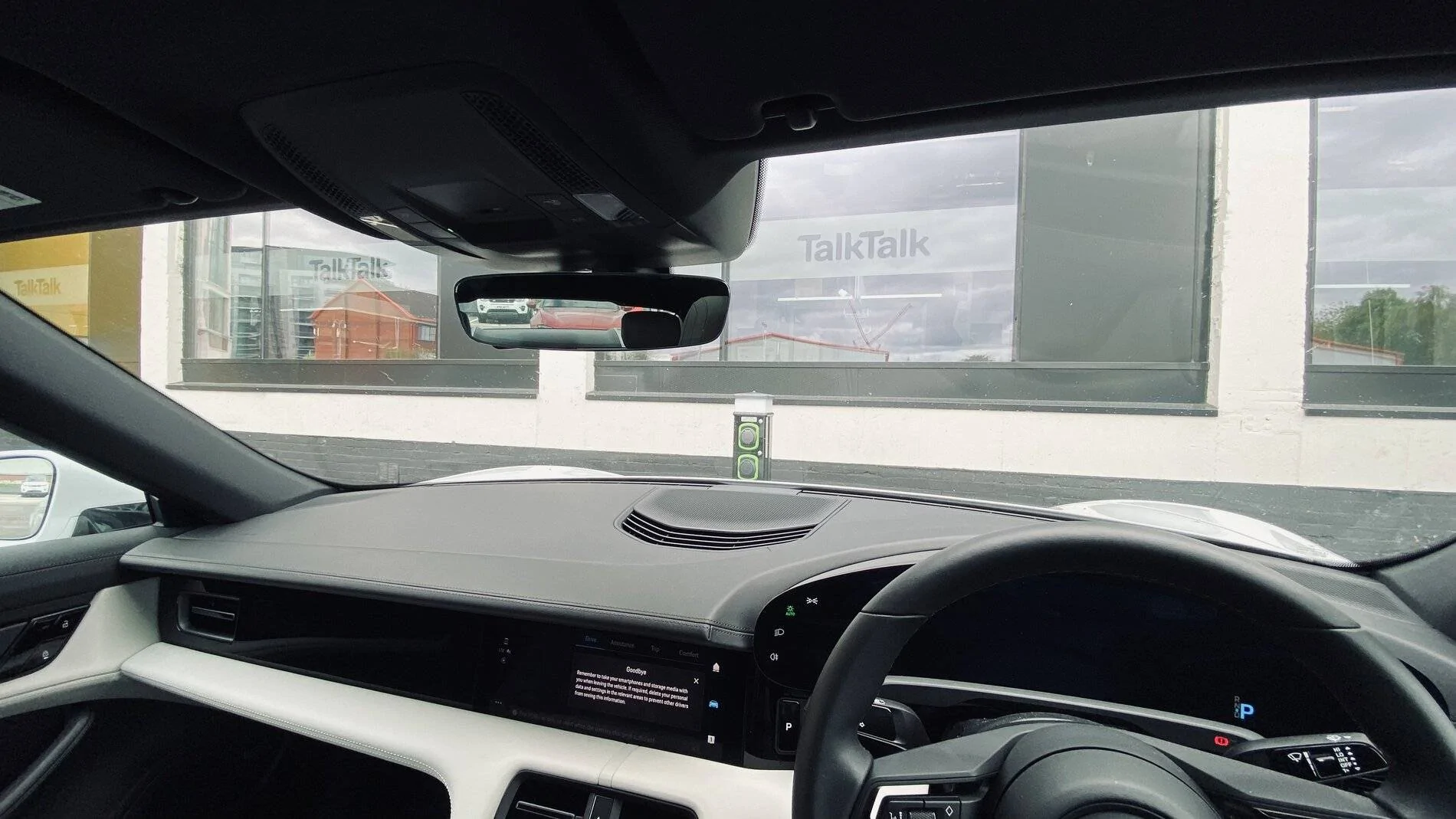
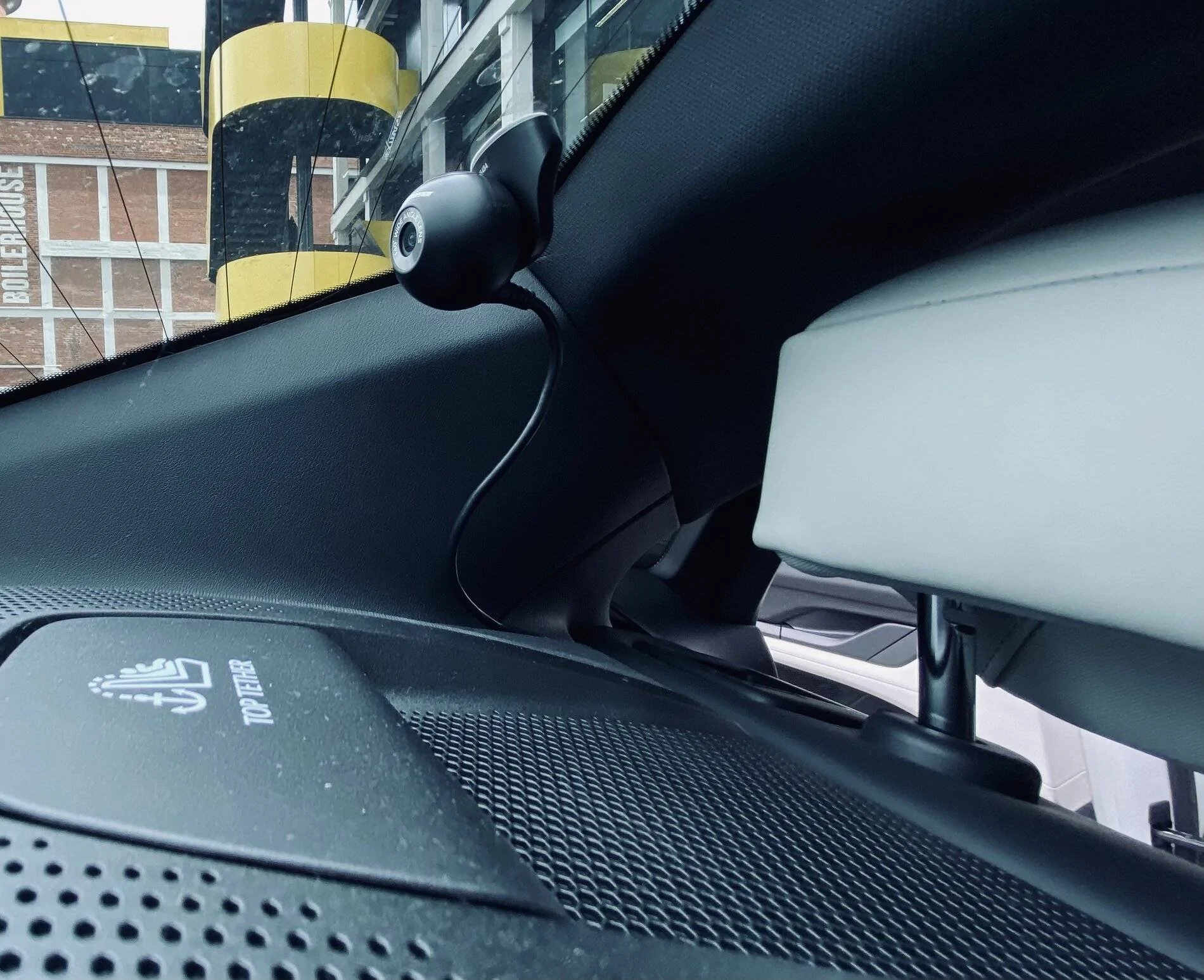
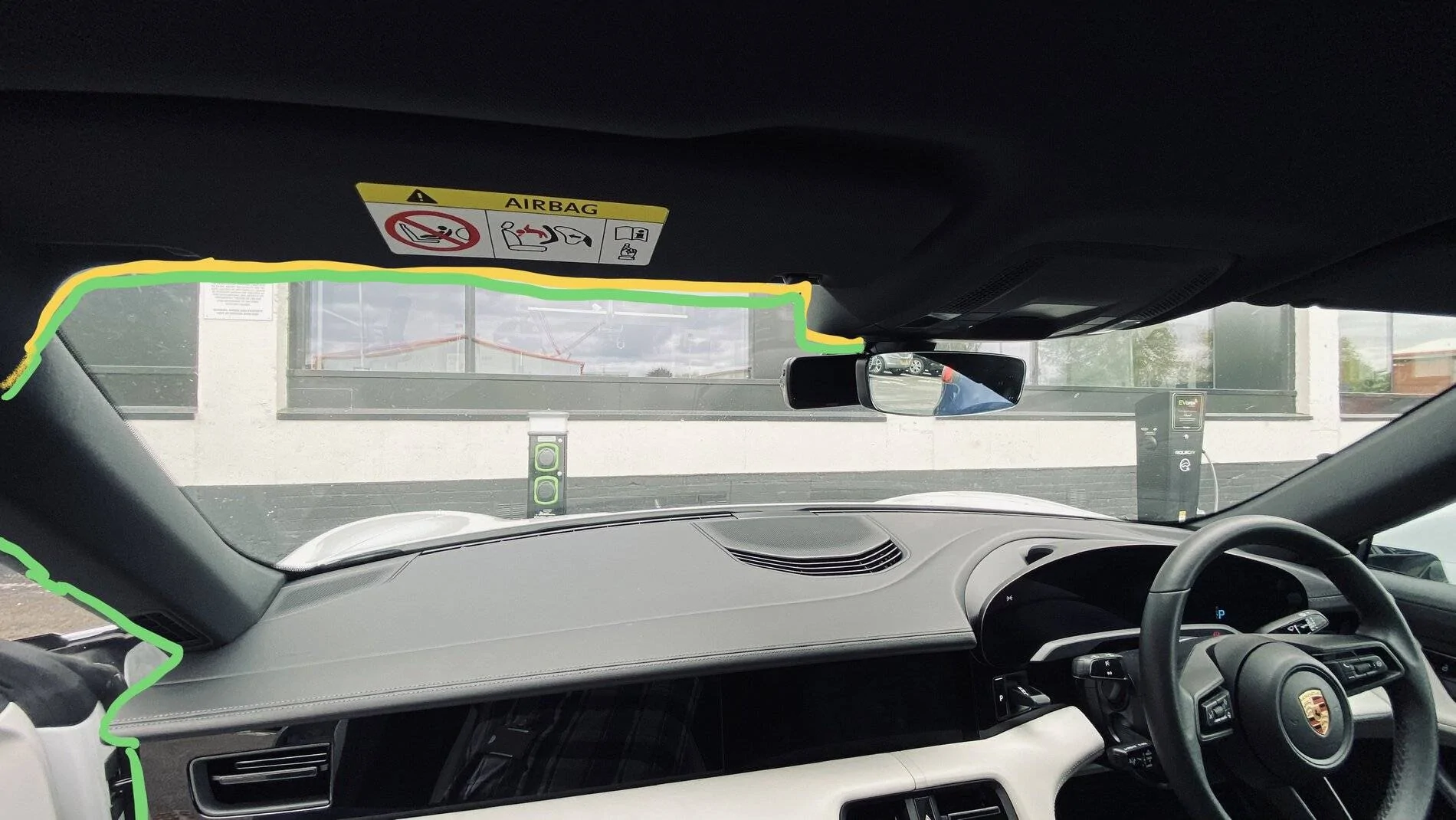
anyway, you cannot see the camera at all from the drivers side as it’s mounted right behind the rear view mirror,
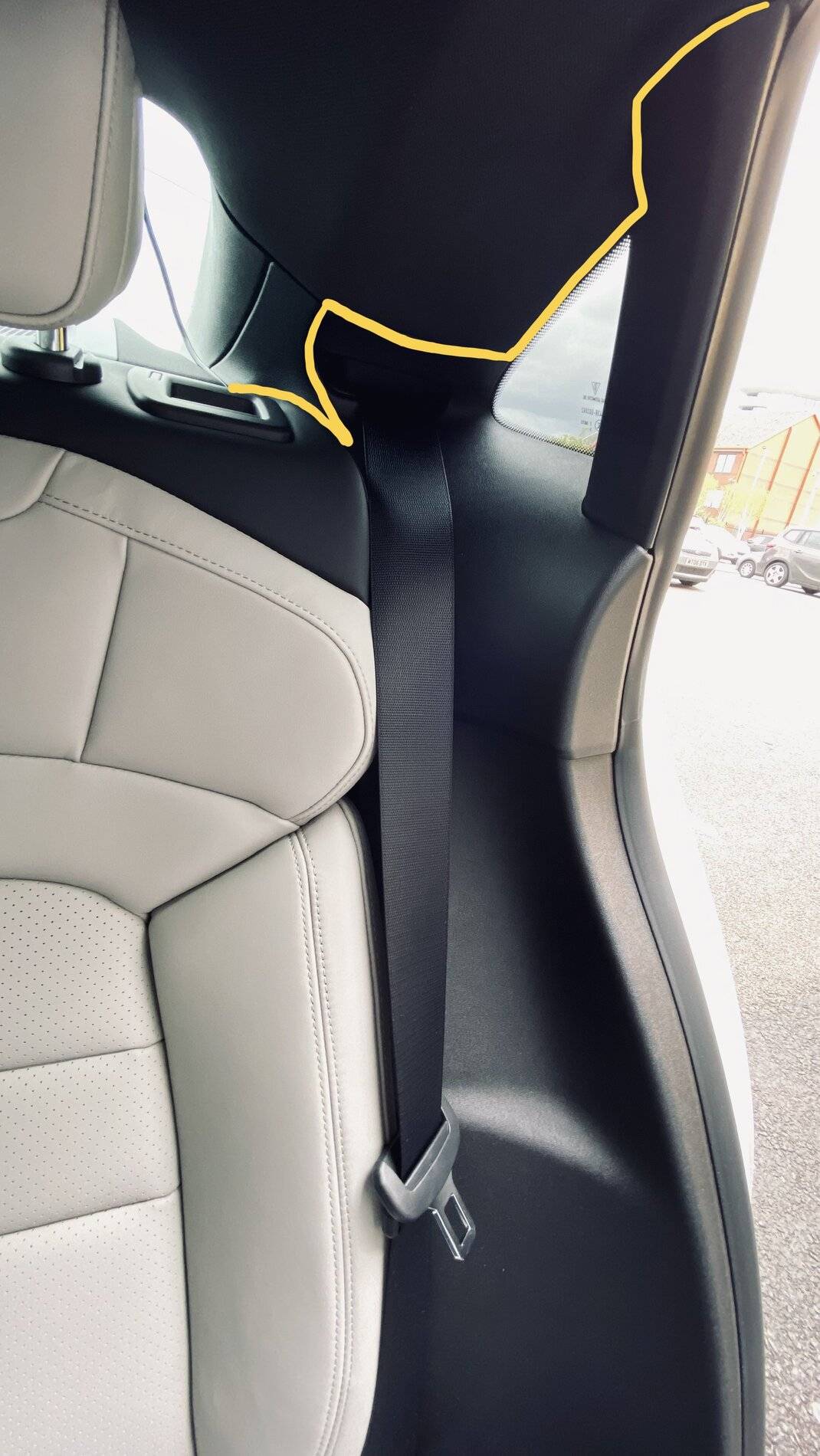
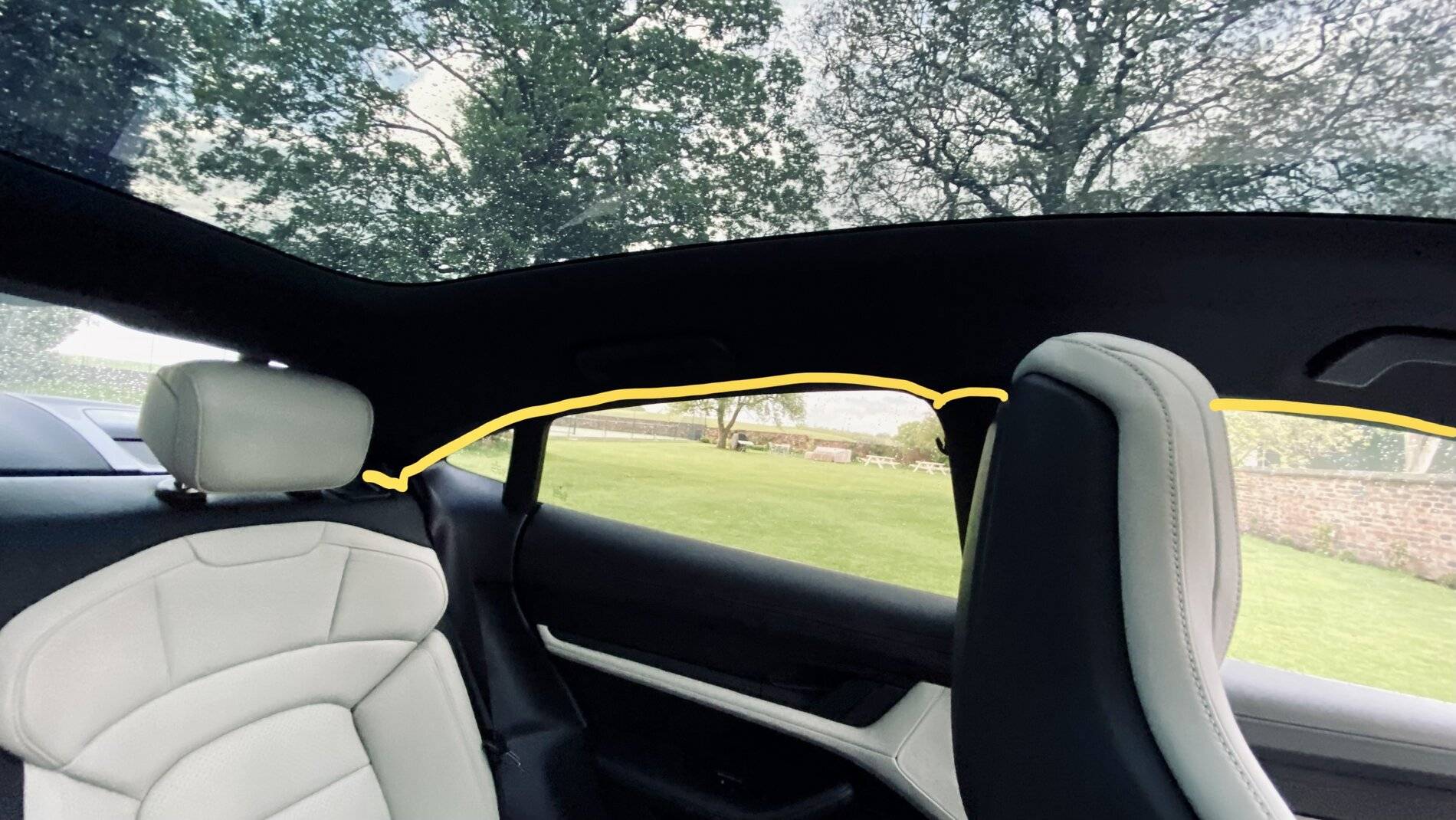
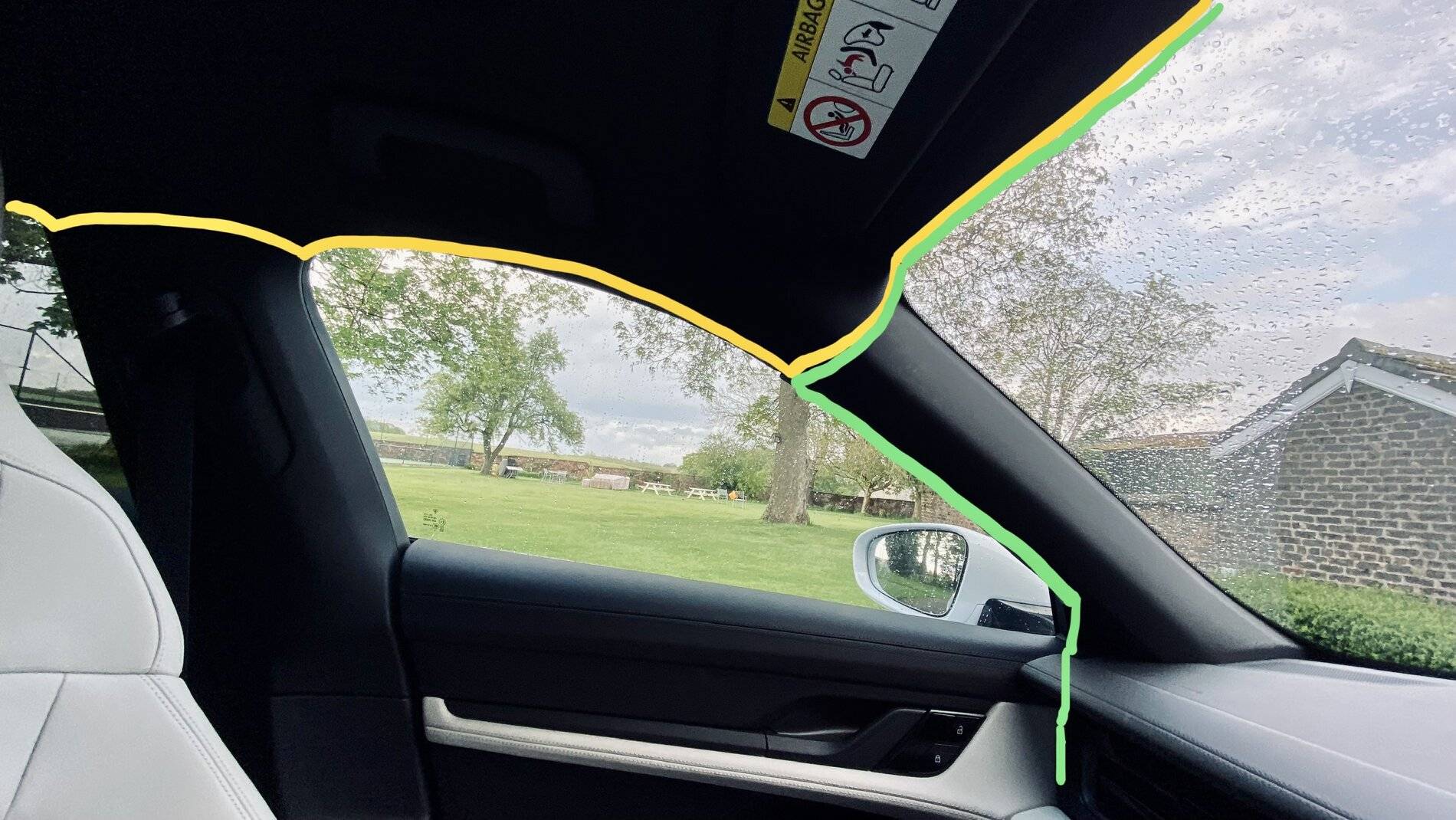
a couple of pictures attached and tried to show the power via the green route and yellow to connect to rear camera. but happy to take questions.


the dashcam I installed was a nextbase 4K 622W as per : https://www.nextbase.com/en-gb/dash-cams/622gw-dash-cam/
The front camera is 4k @ 30fps or 1440 @ 60fps pr 1080p@120fps
it then has 2 accessories you can select from, cabin camera, rear camera attached to front camera or a rear window mounted camera (that’s what I went for)
installation took about 30 minutes but that was taking my time around getting the wires completely hidden, I went fora usb powered connection rather than hard wired.
anyway, you cannot see the camera at all from the drivers side as it’s mounted right behind the rear view mirror,
a couple of pictures attached and tried to show the power via the green route and yellow to connect to rear camera. but happy to take questions.
Sponsored
Last edited: