OP
OP

electricsidecar
Well-Known Member
- Joined
- Oct 15, 2022
- Threads
- 8
- Messages
- 647
- Reaction score
- 830
- Location
- USA
- Website
- electricsidecar.app
- Vehicles
- Volcano Gray Taycan 2022

- Thread starter
- #721
I've got the first alpha build of the new OBD scanner functionality ready for test! You can get access to it by joining this beta group: https://testflight.apple.com/join/qqA3wnAp
If you're able to test out the new functionality, please share the following details with me so that I know what hardware you were able to test with:
- Which OBD scanner you're using (make/model/amazon link)
- What make/model/year/trim of vehicle you're testing with
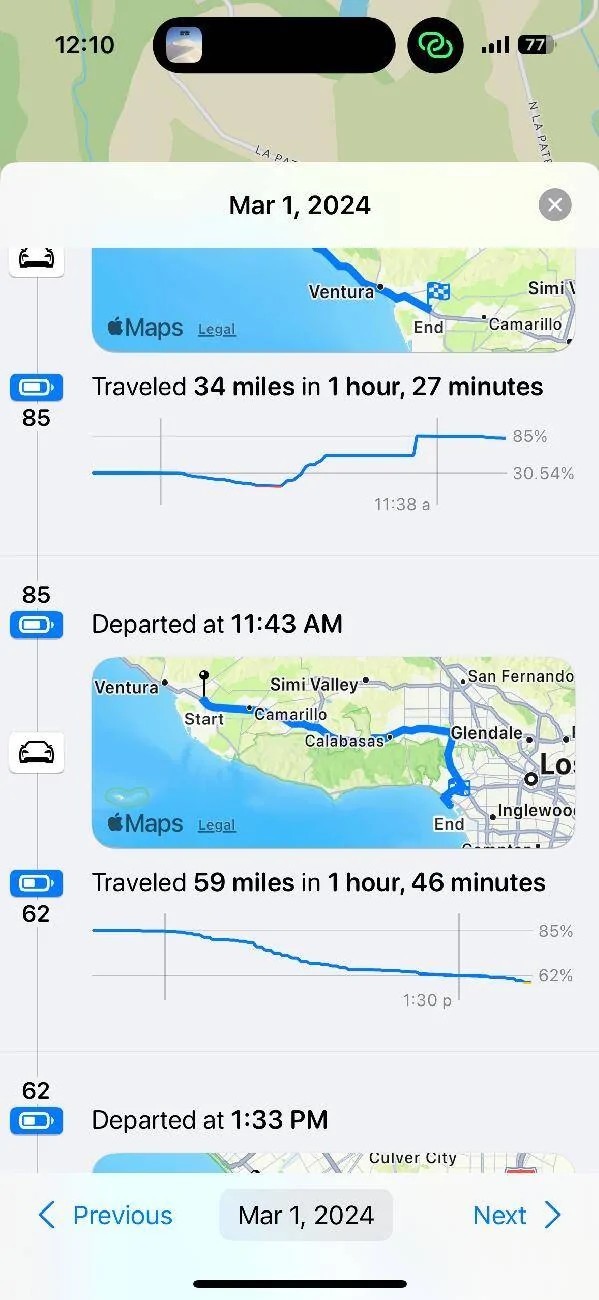
Please keep in mind that most OBD scanners will continue to draw power from your car's batter while plugged in, so it's recommended to unplug the scanner at the end of each drive. Electric Sidecar should show when your car is connected to a scanner on your phone widgets, but I plan to add an explicit notification if you walk away from the car with the scanner still attached.
Some things that are known to not work yet:
- Data from your phone won't sync to your watch.
- Your watch can't connect to scanners (yet).
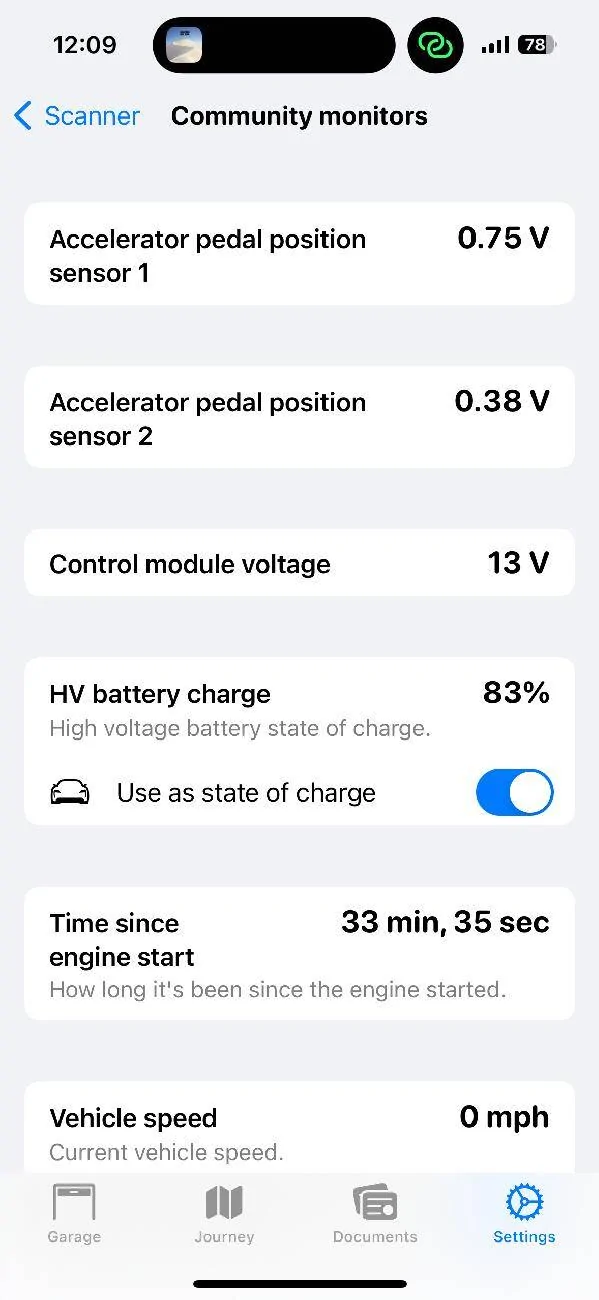
- There are tons of Taycan PIDs that I have not wired up yet. If there's any you know of that you'd like to see wired up, please let me know! You can see the existing community-provided monitors within the app when connected to a scanner, or via https://github.com/ElectricSidecar/Porsche-Taycan/blob/main/signalsets/default.json
If any part of the scanner onboarding flow is confusing or unintuitive, please let me know and I will address it
Thanks for testing!
If you're able to test out the new functionality, please share the following details with me so that I know what hardware you were able to test with:
- Which OBD scanner you're using (make/model/amazon link)
- What make/model/year/trim of vehicle you're testing with
Please keep in mind that most OBD scanners will continue to draw power from your car's batter while plugged in, so it's recommended to unplug the scanner at the end of each drive. Electric Sidecar should show when your car is connected to a scanner on your phone widgets, but I plan to add an explicit notification if you walk away from the car with the scanner still attached.
Some things that are known to not work yet:
- Data from your phone won't sync to your watch.
- Your watch can't connect to scanners (yet).
- There are tons of Taycan PIDs that I have not wired up yet. If there's any you know of that you'd like to see wired up, please let me know! You can see the existing community-provided monitors within the app when connected to a scanner, or via https://github.com/ElectricSidecar/Porsche-Taycan/blob/main/signalsets/default.json
If any part of the scanner onboarding flow is confusing or unintuitive, please let me know and I will address it
Thanks for testing!
Sponsored