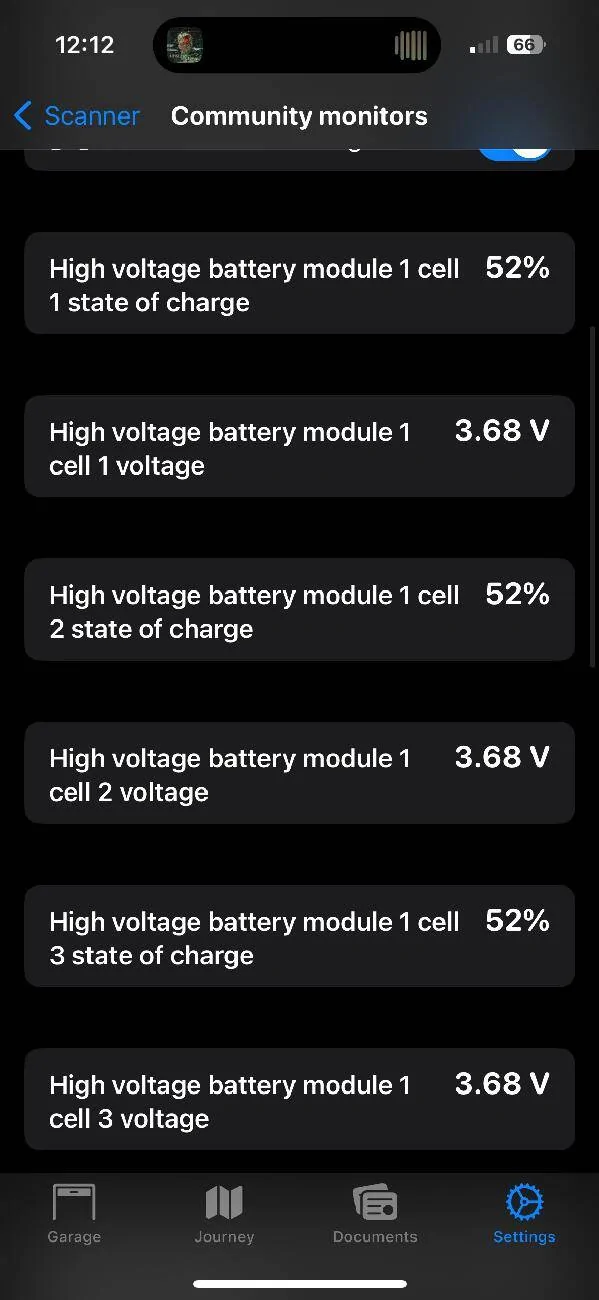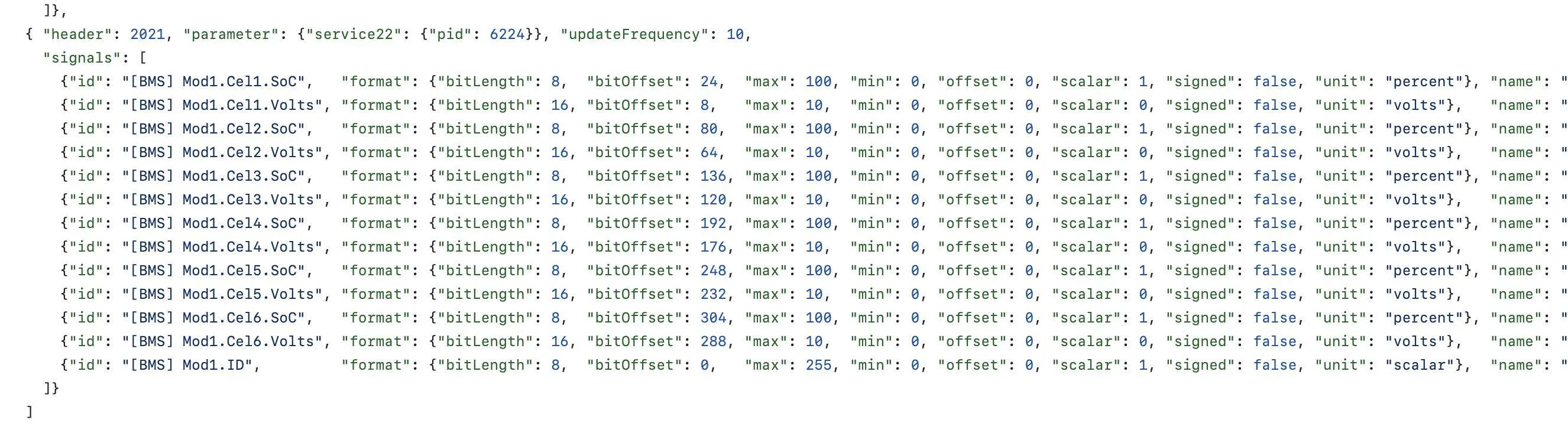
electricsidecar
Well-Known Member
- Joined
- Oct 15, 2022
- Threads
- 8
- Messages
- 647
- Reaction score
- 830
- Location
- USA
- Website
- electricsidecar.app
- Vehicles
- Volcano Gray Taycan 2022
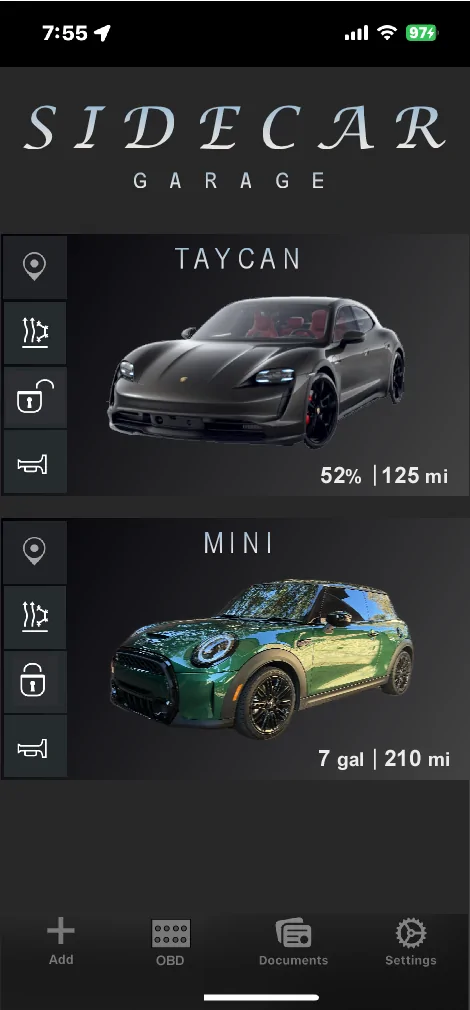
Some solid ideas there! A few of the requests I can see that I’ve pulled in to the Electric Sidecar tracker:OK I know way off current discussion but it occurred to me as I launched the app a moment ago that it was not at all immediately obvious how to add to or view your garage from the launch page - as the app is clearly now a multi-car ICE/EV app I sketched the following as an alternate app entry page - you'd just tap relevant car to come to it's summary page or swipe left to say delete a car from the garage - have not setup a garage yet in Sidecar, so maybe you already have this?
I like this sort of layout as I can quickly see status/SoC of both cars and tap a quick access button (locate, climatize etc) for either car on one page.
Just musing out loud - you can and prob should totally ignore!!
![]()
OK - bring slow but just now found the garage under accounts - up to speed!Some solid ideas there! A few of the requests I can see that I’ve pulled in to the Electric Sidecar tracker:
- Being able to register new vehicles from the Garage page.
- Actions on the Garage summary.
- Car imagery.
- Optimize screen real estate use based on the number of cars in the garage.
The current update interval algorithm looks like this:I've just rejoined the app testing after a while - Looks great!
One question (might be in the thread but wasn't able to find it): How often does it ping the car when you have the status widgets on the lockscreen? I see there is a storage mode that reduces ping interval.
public func updateInterval(
shouldUpdateFrequently: Bool,
isCharging: Bool,
chargingRateInKW: Double,
isStorageMode: Bool
) -> TimeInterval {
if isStorageMode {
return 60 * 60 * 6
} else if shouldUpdateFrequently {
return 60 * 5
} else if isCharging {
// Update more frequently while charging.
let chargingRateInKW = chargingRateInKW
if chargingRateInKW > 75 {
return 60
} else if chargingRateInKW > 25 {
return 60 * 5
}
}
// Slow updates down when the car is sitting overnight.
let hour = Calendar.current.component(.hour, from: .now)
if (hour >= 23 || hour < 4) {
return 60 * 60
}
// Default interval.
return 60 * 30
}
Thanks! Assuming the unit is seconds?The current update interval algorithm looks like this:
Code:public func updateInterval( shouldUpdateFrequently: Bool, isCharging: Bool, chargingRateInKW: Double, isStorageMode: Bool ) -> TimeInterval { if isStorageMode { return 60 * 60 * 6 } else if shouldUpdateFrequently { return 60 * 5 } else if isCharging { // Update more frequently while charging. let chargingRateInKW = chargingRateInKW if chargingRateInKW > 75 { return 60 } else if chargingRateInKW > 25 { return 60 * 5 } } // Slow updates down when the car is sitting overnight. let hour = Calendar.current.component(.hour, from: .now) if (hour >= 23 || hour < 4) { return 60 * 60 } // Default interval. return 60 * 30 }
Seconds yep!Thanks! Assuming the unit is seconds?
And is "shouldUpdateFrequently derived from a user setting?
I like the thinking about adjusting the interval according to charge speed etc.
Ah that makes sense.Seconds yep!
Haha so it looks like shouldUpdateFrequently isn't actually used anymore. I'm going to rename this parameter to "isOnAJourney" which will be true any time Electric Sidecar detects that you're driving. This parameter will then prioritize updating every 10 minutes or so instead of every 30.