whitex
Well-Known Member
- Joined
- Jul 30, 2021
- Threads
- 87
- Messages
- 8,252
- Reaction score
- 7,266
- Location
- WA, USA
- Vehicles
- 2023 Taycan TCT, 2024 Q8 eTron P+

That would be very unusual. SNAPSHOT just seems like the build date. I wonder what qualifies as the next version. Notice that my car didn't get the October build via factory or OTA (it was build end of December).I don't think the "release version" in front matters much, the fact that there's "SNAPSHOT" in the name makes it look like they stopped versioning this part like that, and it may be more of a remnant.
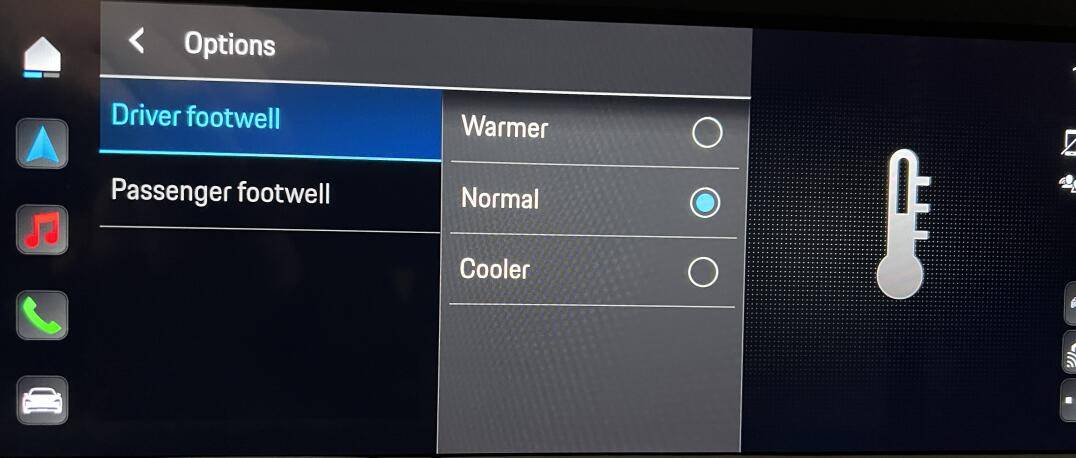
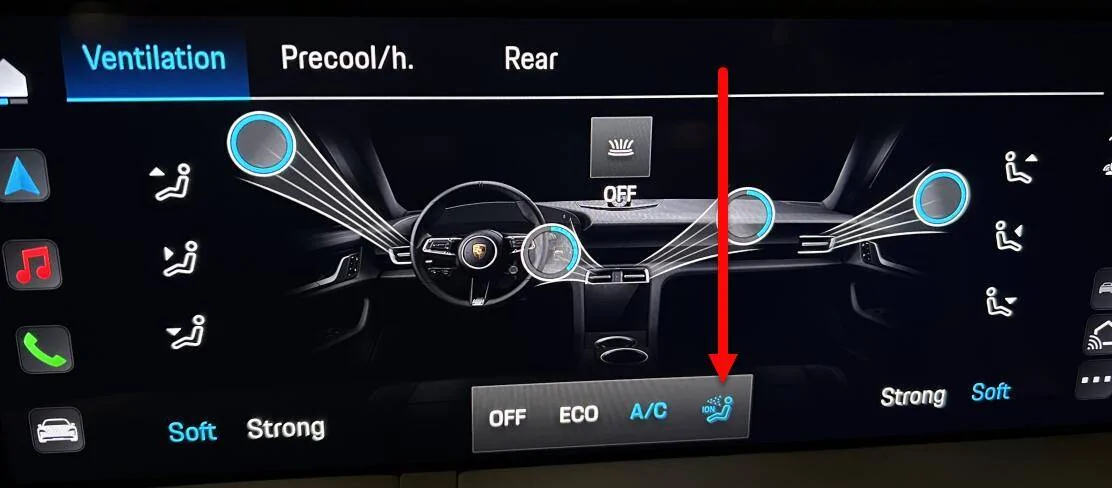
My UI allows me to change strength of all the circles individually (slider pops up when I touch the circle). Comparing the two UI's come of functionality has moved, for example that "warmer/normal/cooler" actually applies to the driver or passenger footwell, that moved to the "..." button on the climate screen. Yes there seems to be only Strong and Soft, they also seem to serve as presets in terms of direction of the vents. Overall I don't see any functionality difference that would be caused by hardware (perhaps 2 speed HVAC motor instead of 3?).Also, I'm not entirely sure since I don't know your interface... but it seems that the (apparently) newer interface does a bit less? It's hard to say, maybe you can play around with the PCM simulator to confirm.
For example, in "Individual" I can give every one of those circles a different strength (a slider pops up when I select a circle), I can vary the strength of the *whole* zone between three strengths (the icon with the three "wind" lines in front of the person), and I can weirdly select between (translating) "warmer", "normal", and "cooler" for each zone (the icon with the thermometer in front of the person).
Plus there's the whole obvious thing about the "Focused", "Diffuse", and "Individual" presets.
In yours, it seems there are only two strengths instead of three, no "warmer/normal/cooler", and no Focused/Diffuse presets? Does the slider pop up when you hit a circle? Is the rest in a submenu maybe?
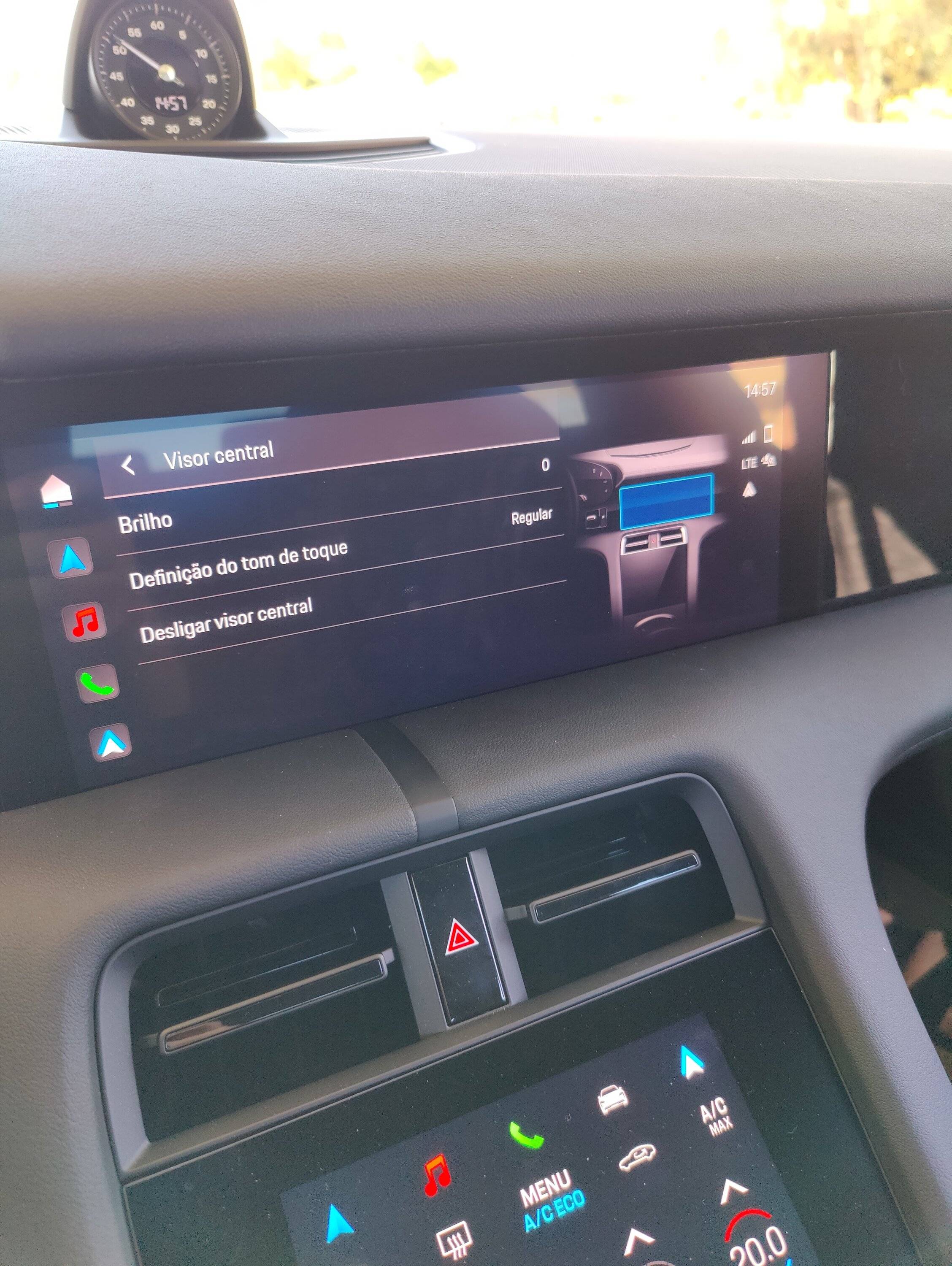
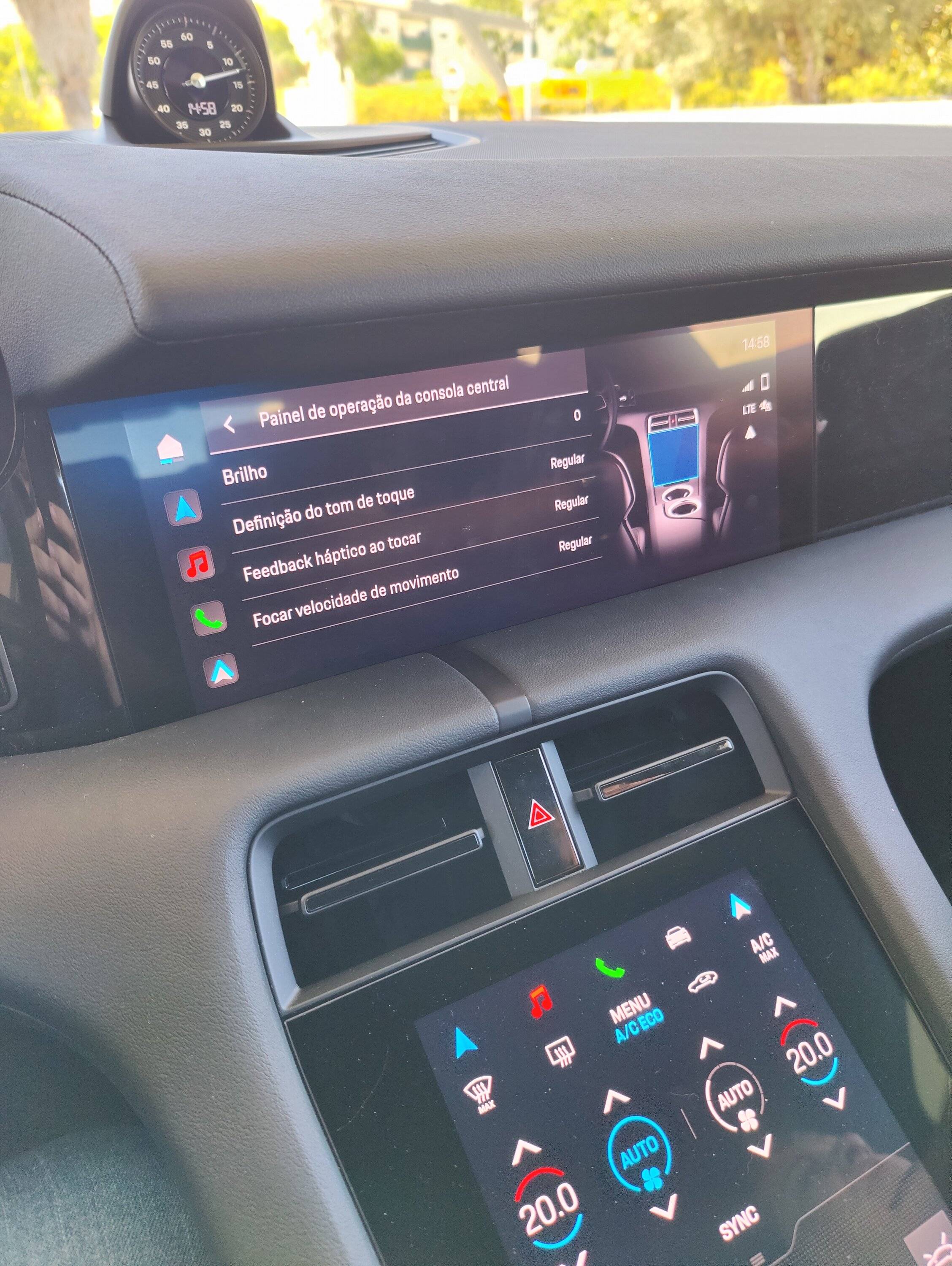
There is one thing in the simulator which I noticed I am missing - haptic feedback from the main PCM screen:
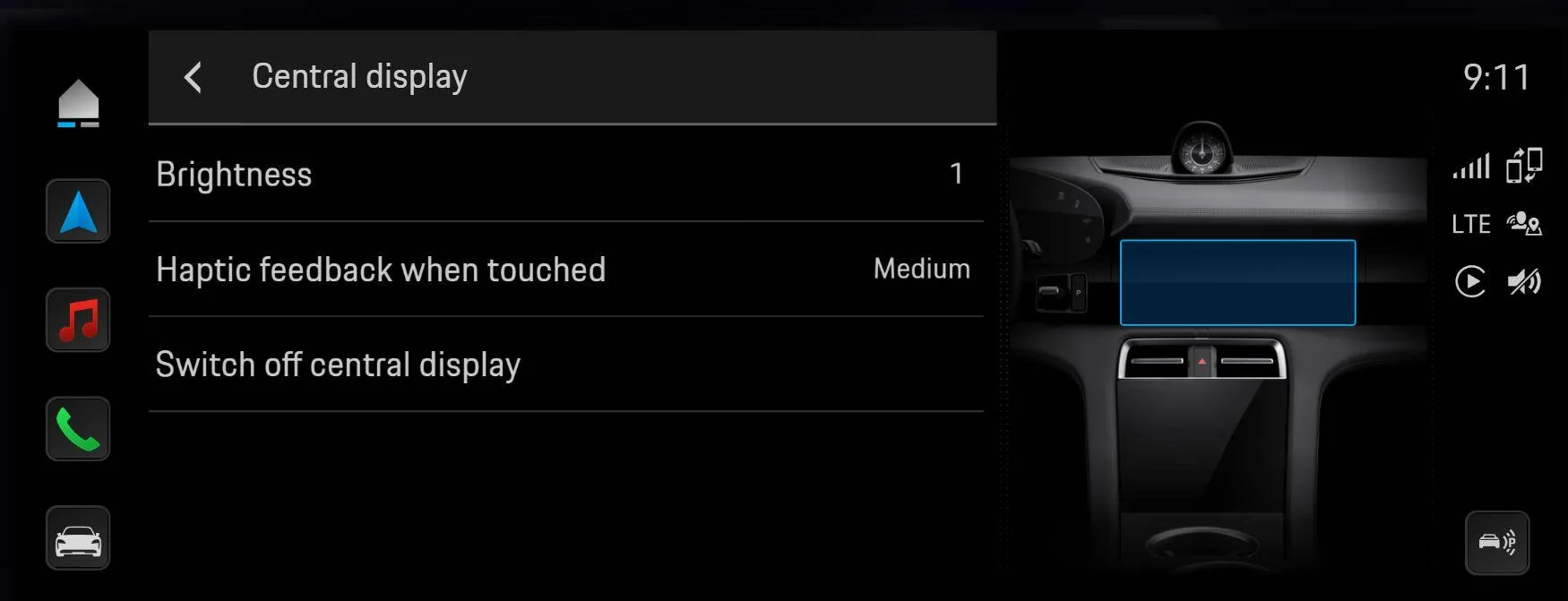
Mine only shows sound feedback:
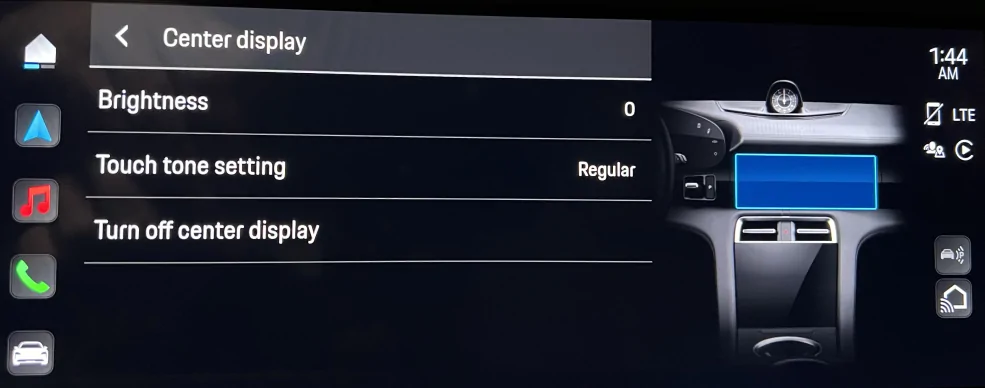
Out of curiosity, do you have the haptic feedback option for the main PCM screen (I still have it for the lower screen with hand writing pad).
Sponsored