Jamesfawcett
Active Member
- First Name
- James
- Joined
- Jul 7, 2023
- Threads
- 4
- Messages
- 43
- Reaction score
- 22
- Location
- Yorkshire
- Vehicles
- 2020 Turbo S

- Thread starter
- #1
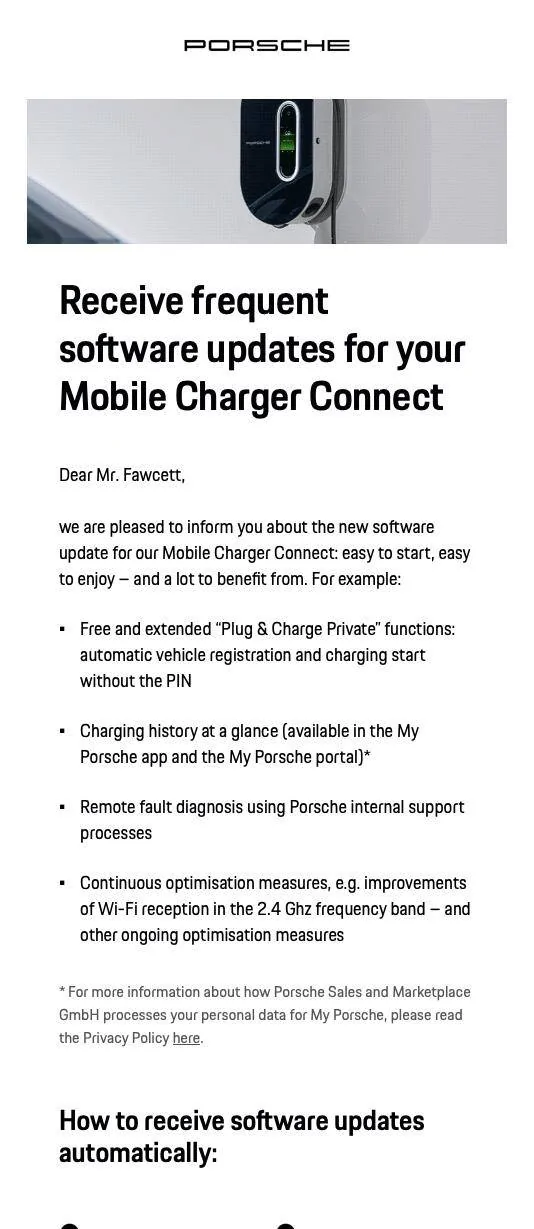
I'm having trouble updating my Porsche Charger Connect. I'm on quite an old version of the firmware 2925.
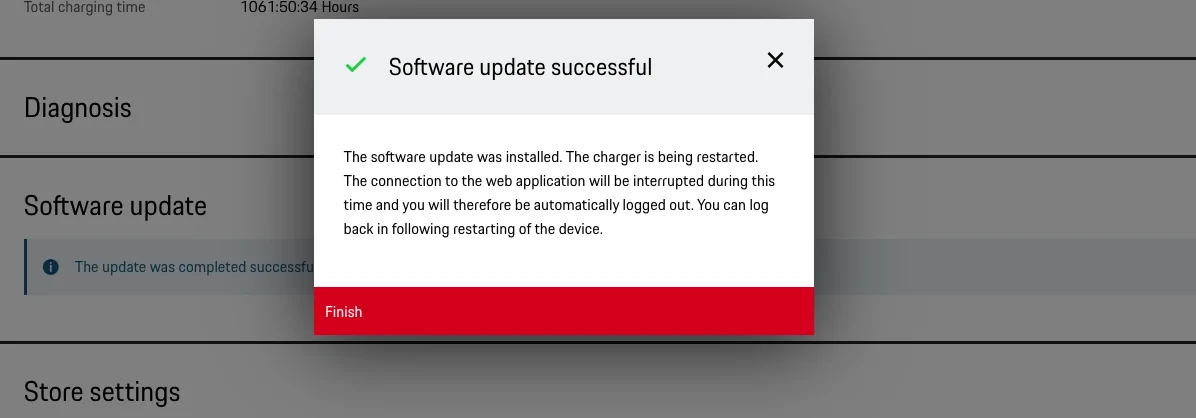
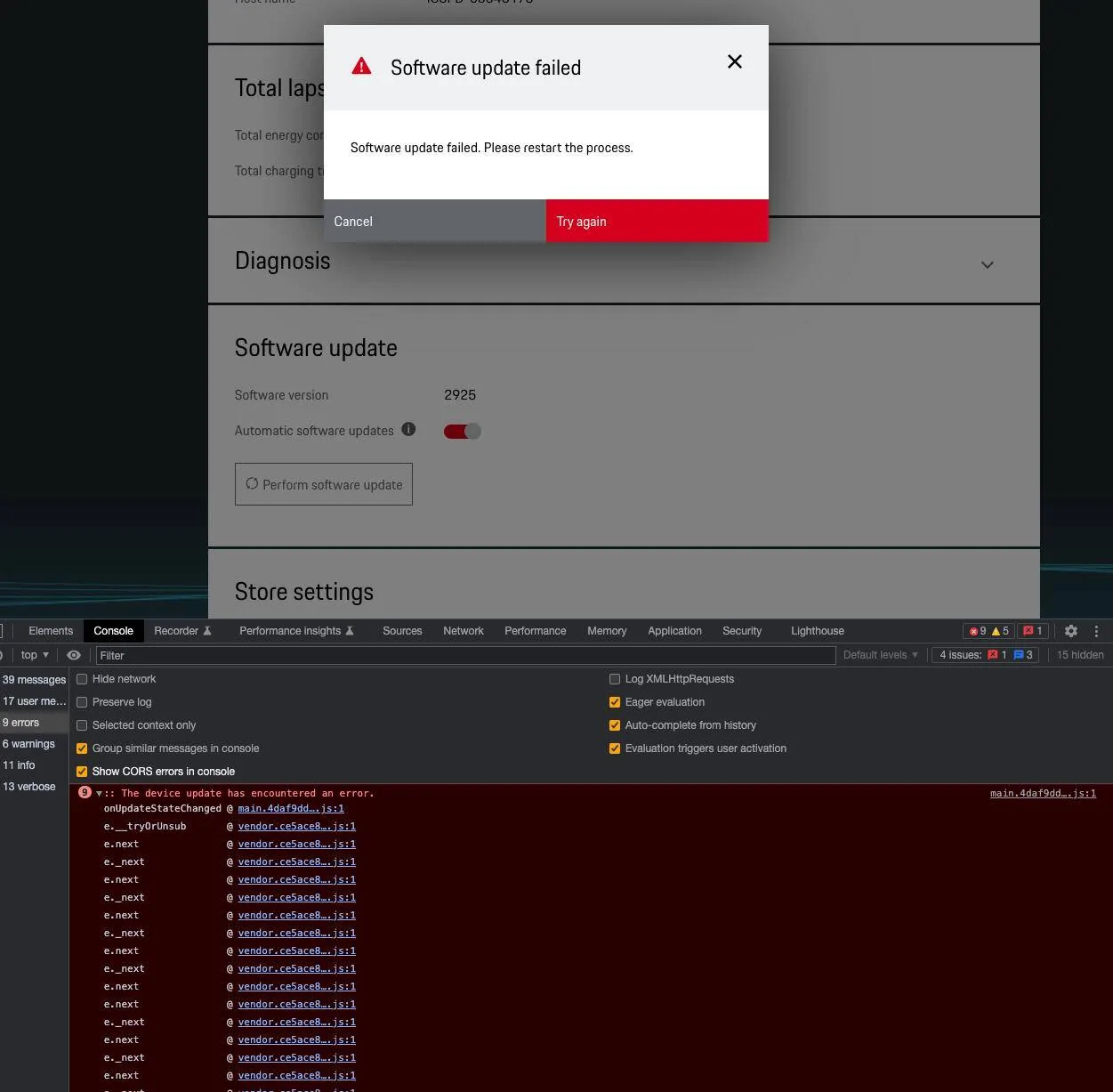
The latest is version 2934. It unpacks the zip, but then fails. I've tried multiple browsers and factory resets.
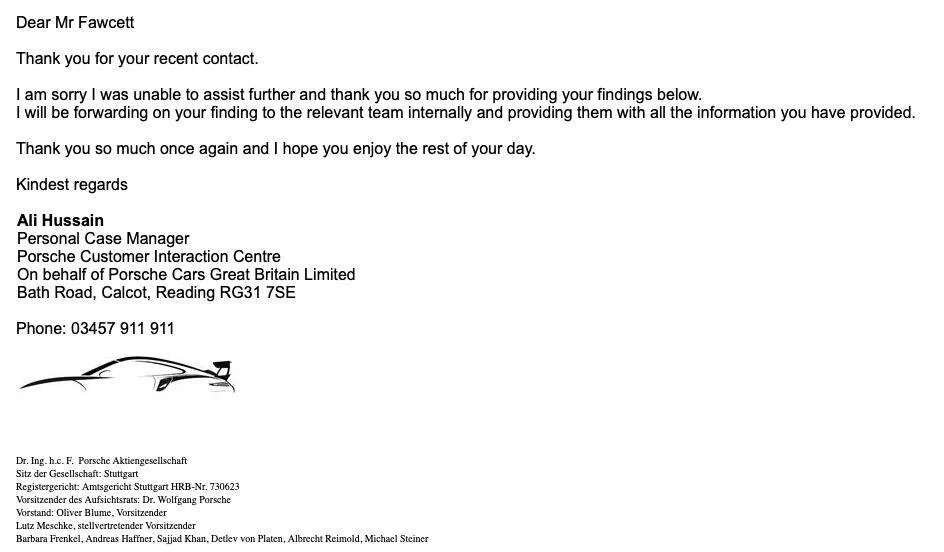
I've been in touch with Porsche connected services and my OPC, neither of them have the expertise to resolve it and each have passed me back to the other.
Does anyone have a previous version of the firmware saved somewhere which I can try upgrade to first?
The Porsche website says that 2934 can be installed on any previous version, but that's not the case for me.
I have also tried:
- Connecting via the customer services account to update
- Connecting via home user to update
- Connecting via direct wifi connection
- Connecting via 5GHz and 2.4Ghz
- Full factory reset (multiple times)
- Changing browser (I have tried Chrome, Firefox and Safari)
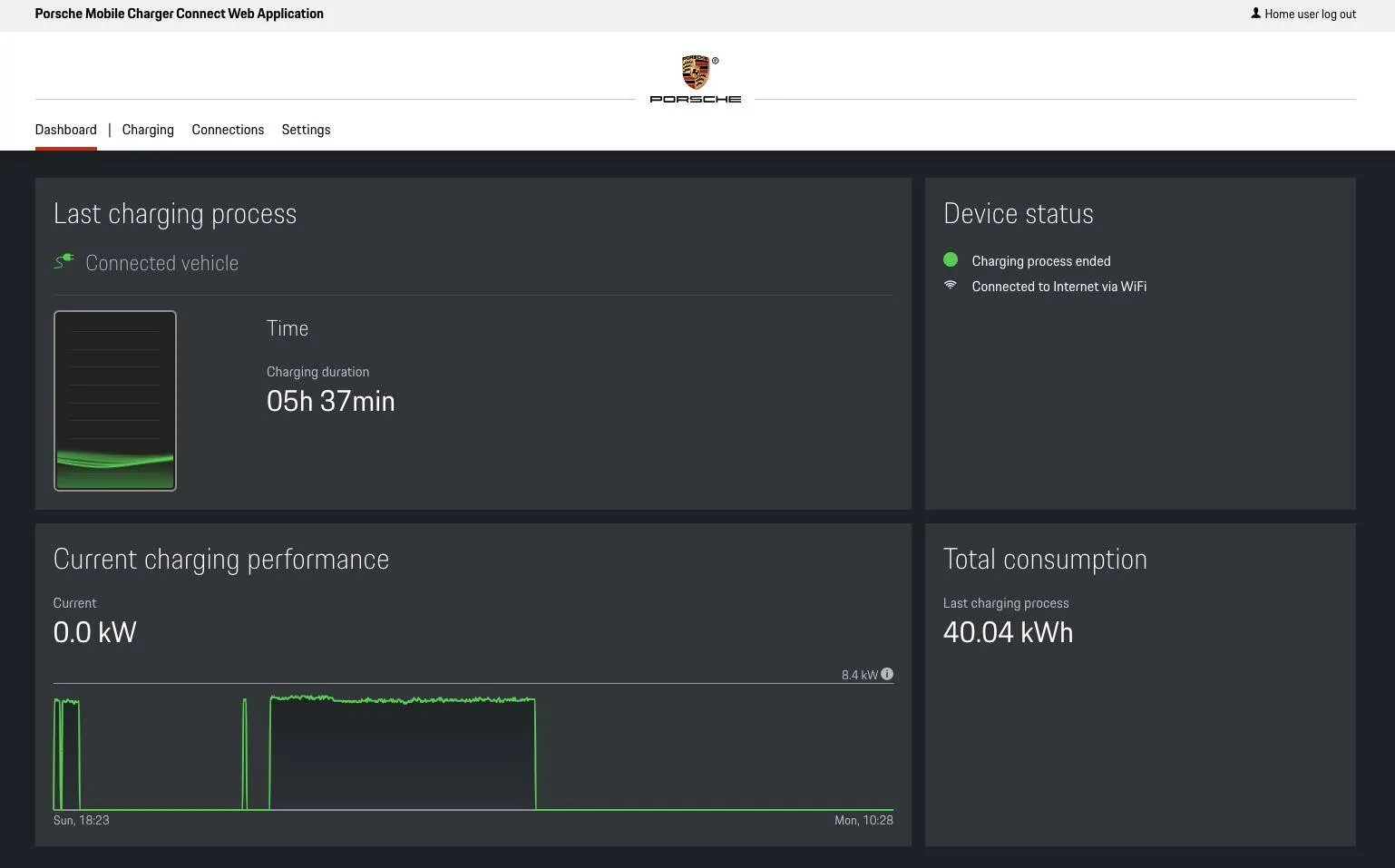
There is a console error when I try install the package via the web app (screenshot attached).
Diagnostic info:
Device information
Manufacturer Porsche
Part number 9Y0971675BJ
Serial number 00043175
Hardware version H14
Host name ICCPD-00043175
Total lapsed time information
Total energy consumption 507.79 kW/h
Total charging time 575:45:21 Hours
Diagnosis
Persistent storage 92% free
System storage 53% free
RAM 40% free
CPU temperature 57 °C
Power plug temperature Not available
Software update
Software version 2925

The latest is version 2934. It unpacks the zip, but then fails. I've tried multiple browsers and factory resets.
I've been in touch with Porsche connected services and my OPC, neither of them have the expertise to resolve it and each have passed me back to the other.
Does anyone have a previous version of the firmware saved somewhere which I can try upgrade to first?
The Porsche website says that 2934 can be installed on any previous version, but that's not the case for me.
I have also tried:
- Connecting via the customer services account to update
- Connecting via home user to update
- Connecting via direct wifi connection
- Connecting via 5GHz and 2.4Ghz
- Full factory reset (multiple times)
- Changing browser (I have tried Chrome, Firefox and Safari)
There is a console error when I try install the package via the web app (screenshot attached).
Diagnostic info:
Device information
Manufacturer Porsche
Part number 9Y0971675BJ
Serial number 00043175
Hardware version H14
Host name ICCPD-00043175
Total lapsed time information
Total energy consumption 507.79 kW/h
Total charging time 575:45:21 Hours
Diagnosis
Persistent storage 92% free
System storage 53% free
RAM 40% free
CPU temperature 57 °C
Power plug temperature Not available
Software update
Software version 2925
Sponsored

 I'll check out your link thank you